So far…
- creating sounds from scratch
- manipulating samples
- creating notes and organising compositions
But what about ensembles?
Network Music (circa 1980)
Connecting computer music instruments…
…to other computer music instruments…
…to make new kinds of ensemble music!
(pictured: League of Automatic Music Composers, the first network music band)
Why networks?
- You are creating laptop ensembles!
- Ensembles require communication using all senses.
- Computers give us the possibility of network communication
network messages might…
- trigger notes
- control sections
- interchange parameters or settings
- provide information to the musicians
What kind of software are you creating?
Creativity Support Tools
Design Principles (Schneiderman 2007):
- Support Exploratory Search
- Enable Collaboration
- Provide rich history-keeping
- Low thresholds, high ceilings, wide walls
“How can designers of programming interfaces, interactive tools, and rich social environments enable more people to be more creative more often?”
Beyond windows, icons, menus, pointers
- Integrating intelligence into existing tools (hyper-instruments)
- Tangible interfaces
- Embodied interfaces
Collaboration: Time-Space Matrix
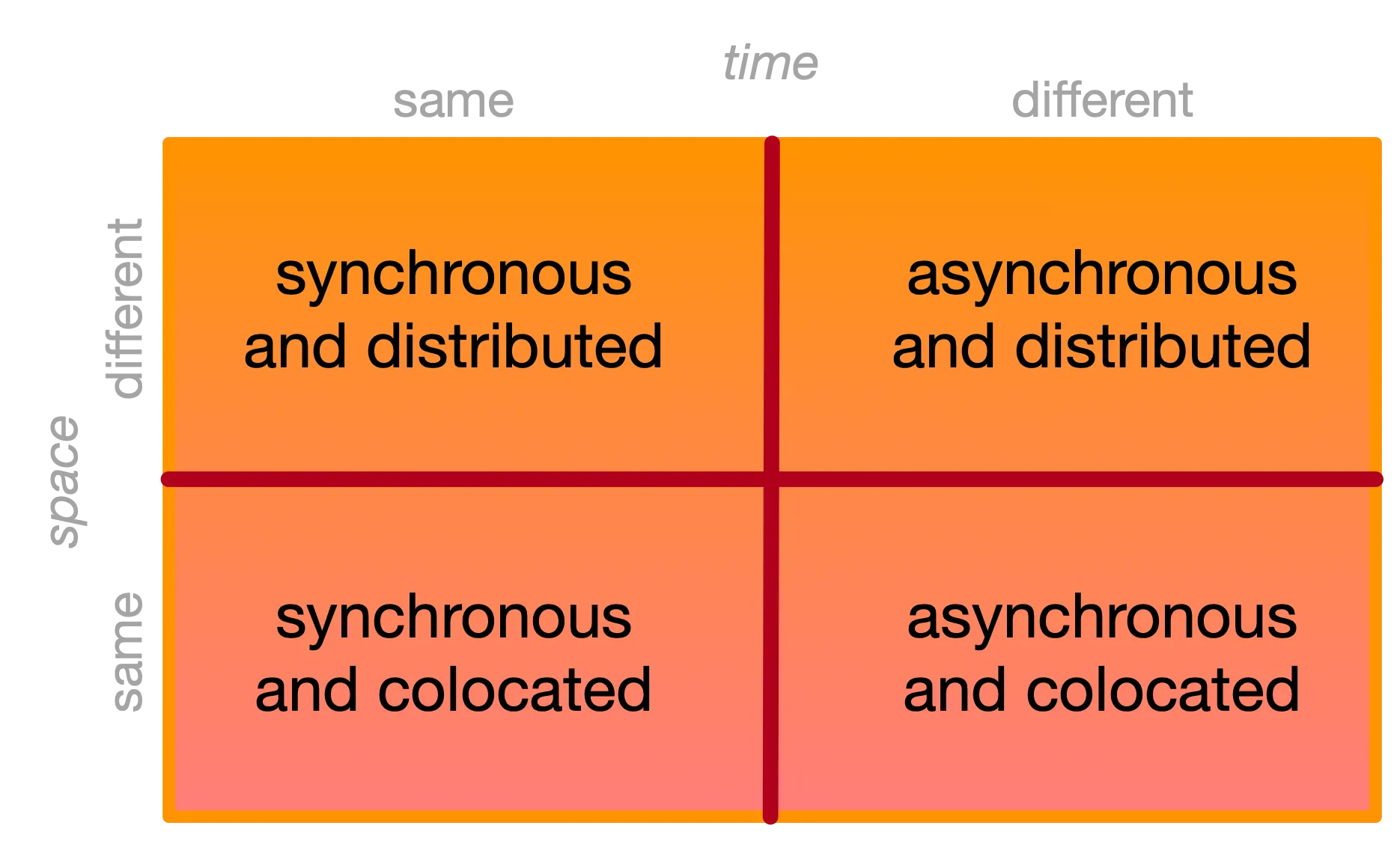
Collaborating across space and time
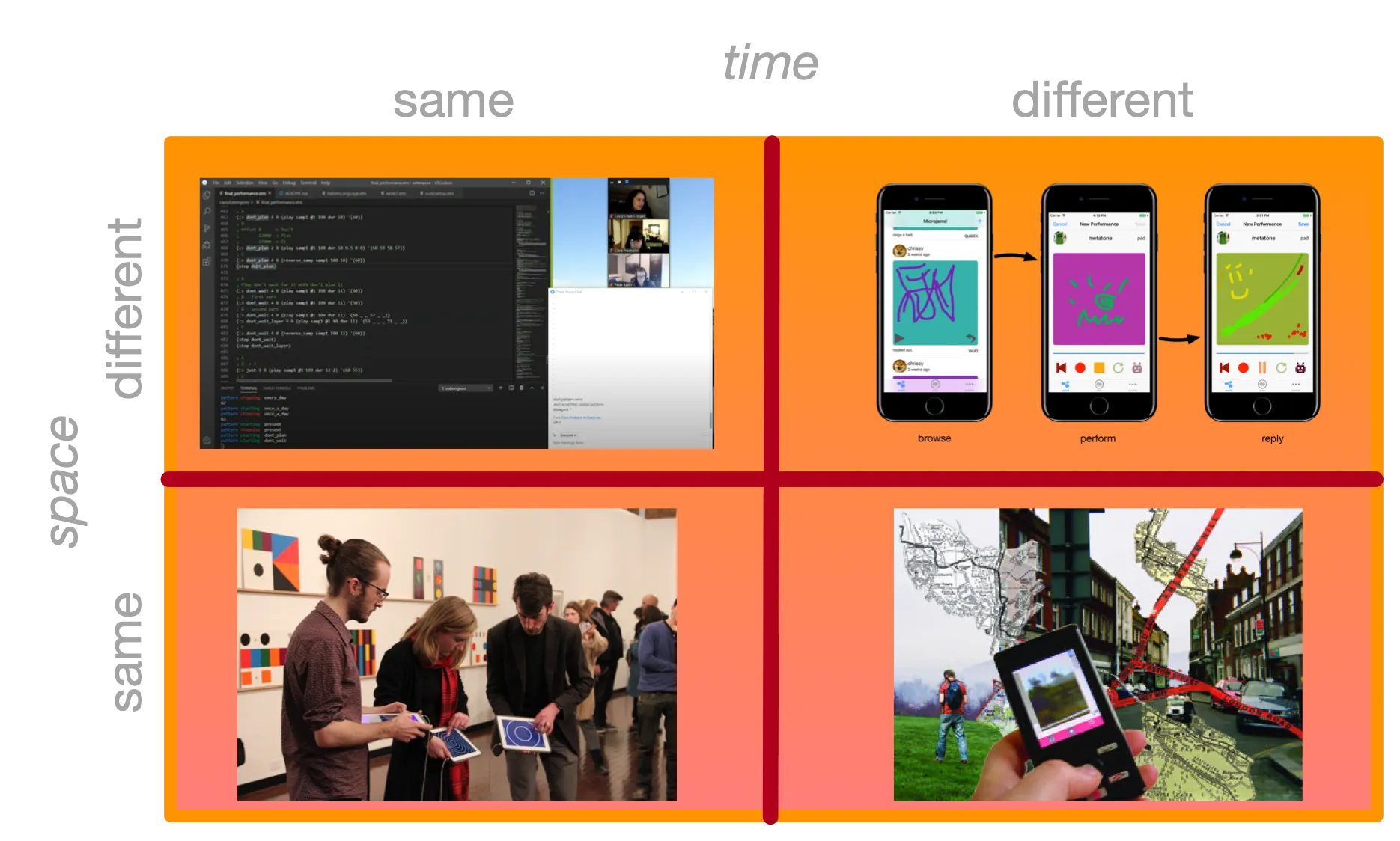
Same Time - Different Location
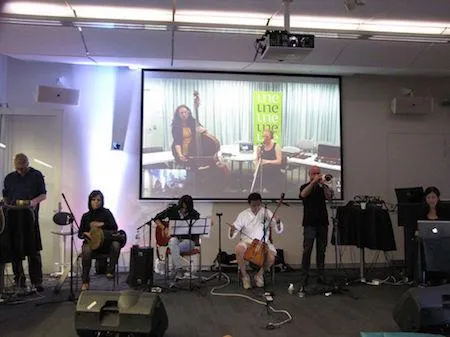
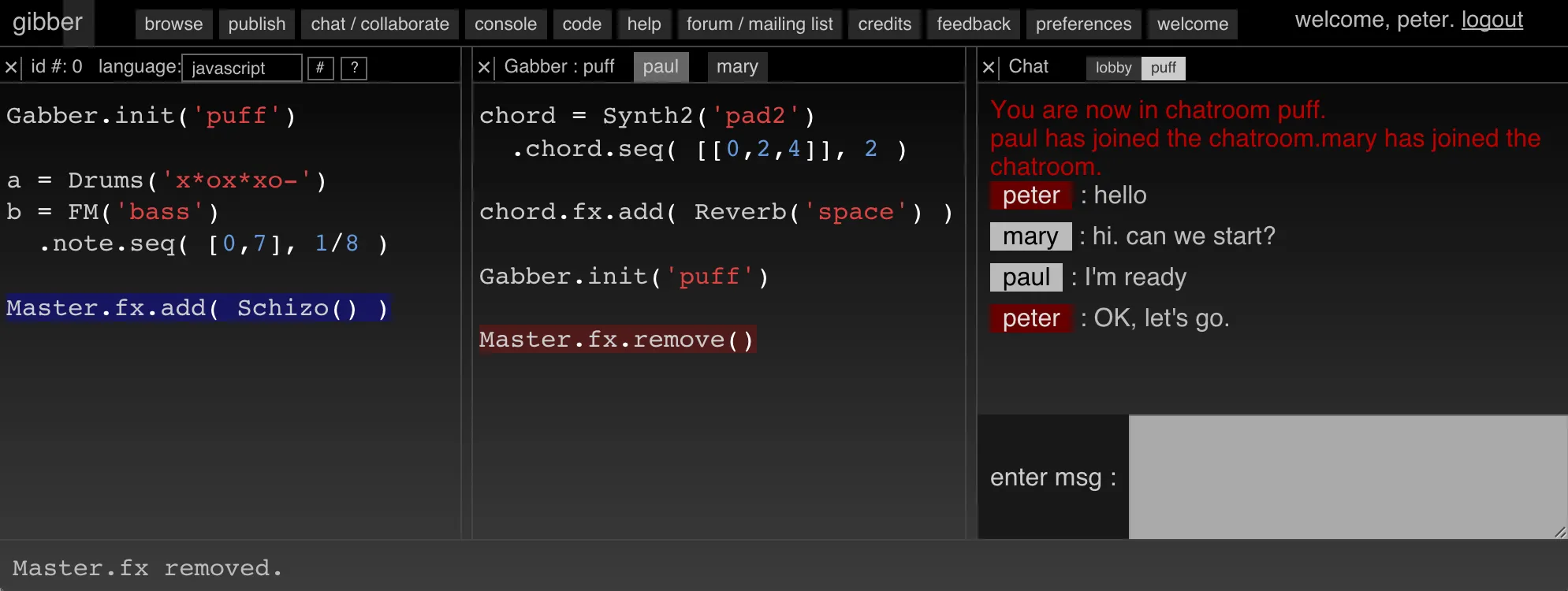
Same Time - Same Location
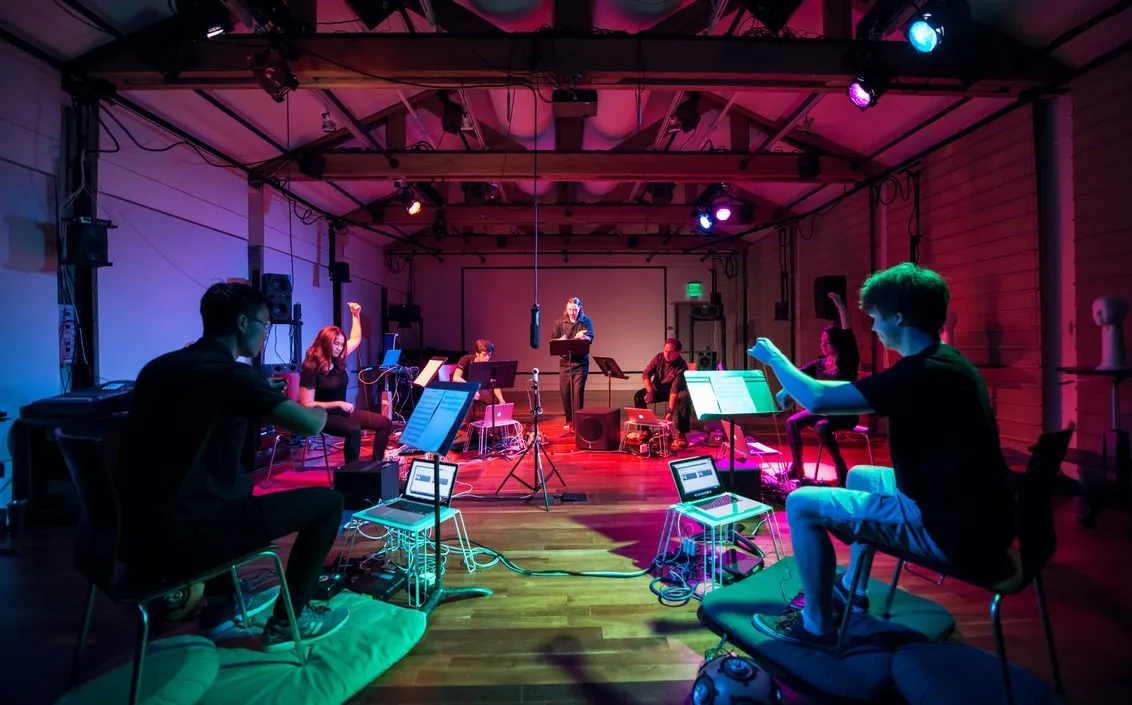
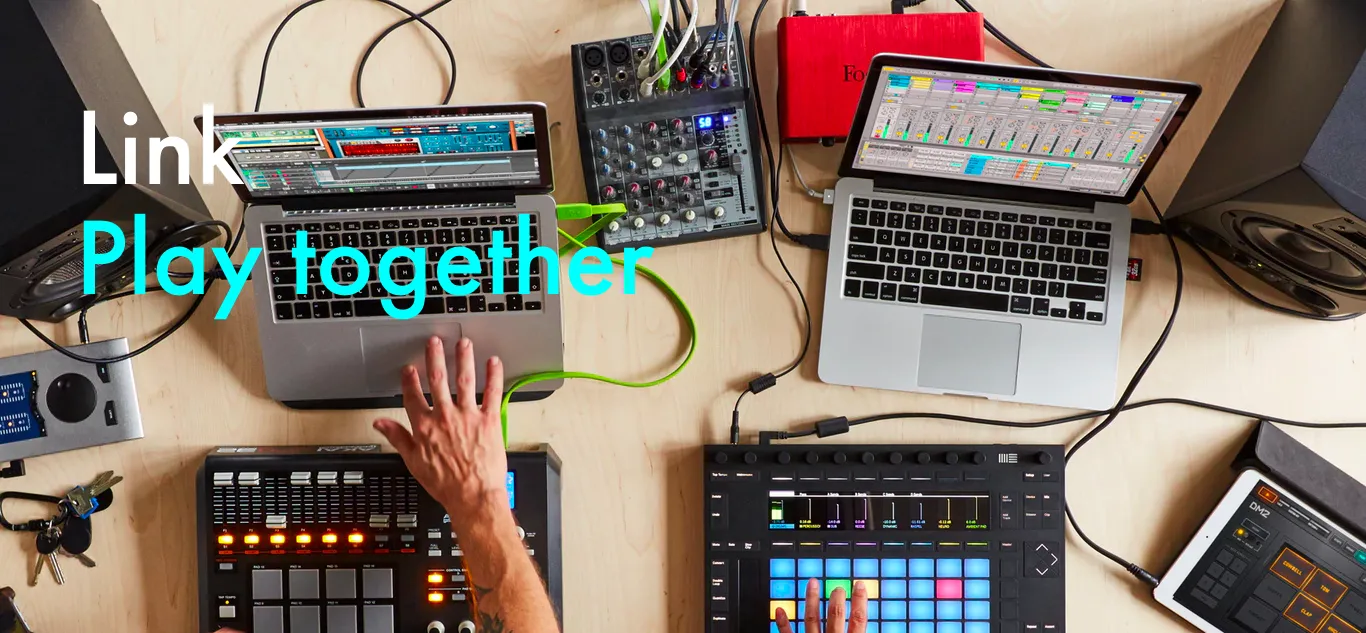
Different Time - Same Location
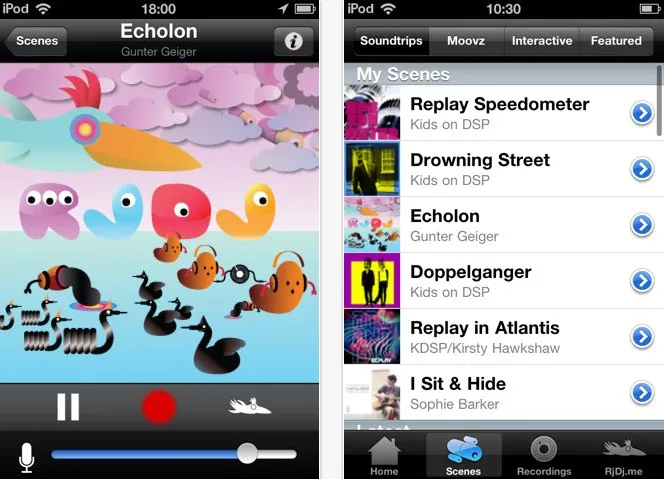
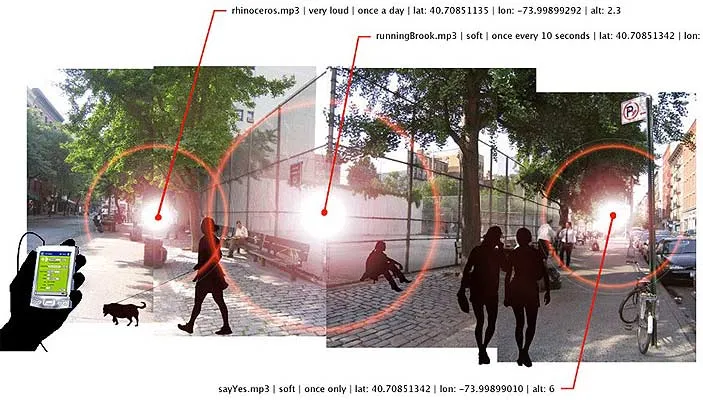
Different Time - Different Location

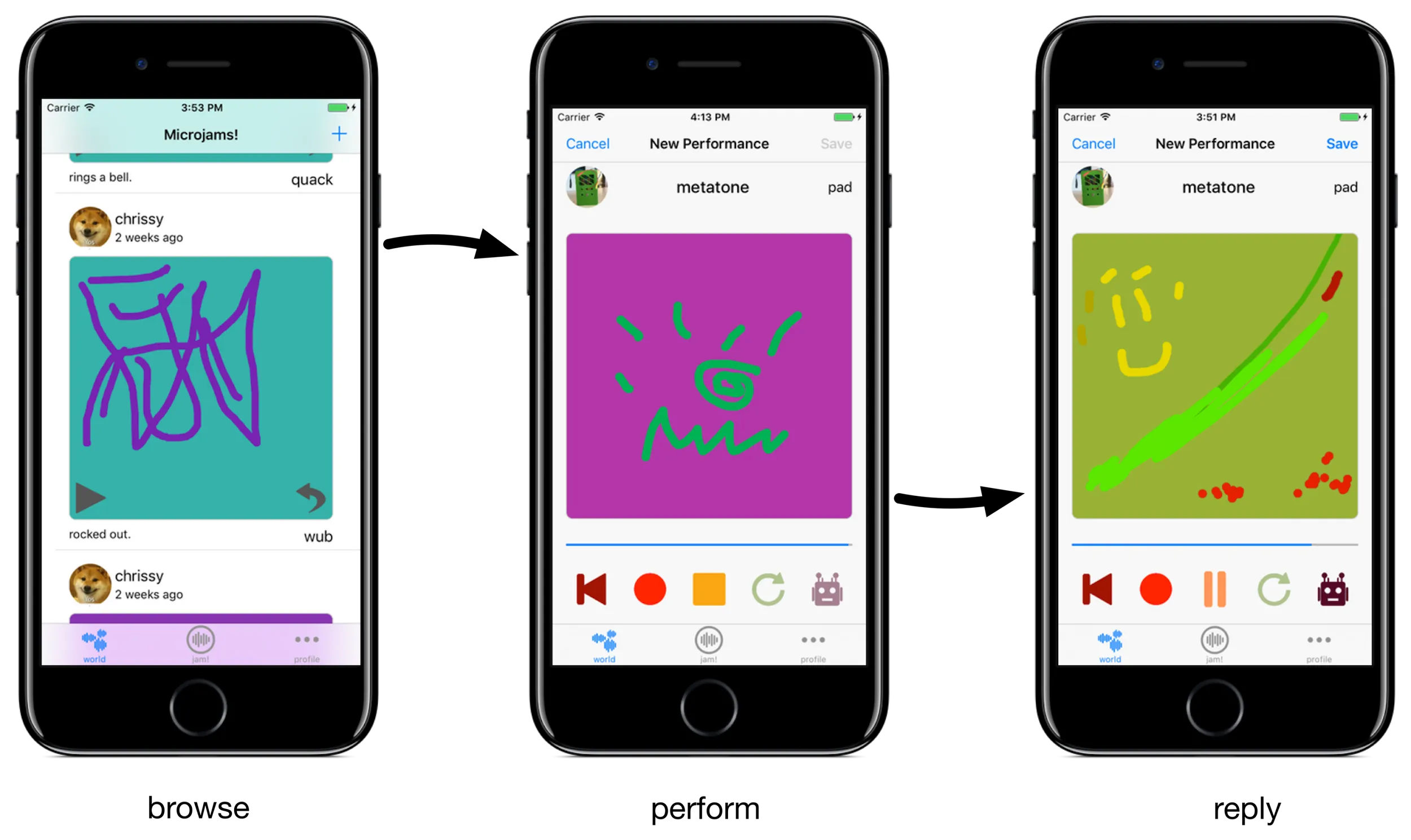
Collaborative creativity in SMC…
- Every week: In-class group jam (same time, same place)
- Week 5 Group Diary (? time, ? place)
- Week 8 Group Diary (? time, ? place)
- LENS Performance (same time, same place)
You need to do synchronous and colocated performances, you can explore other modalities.
MIDI
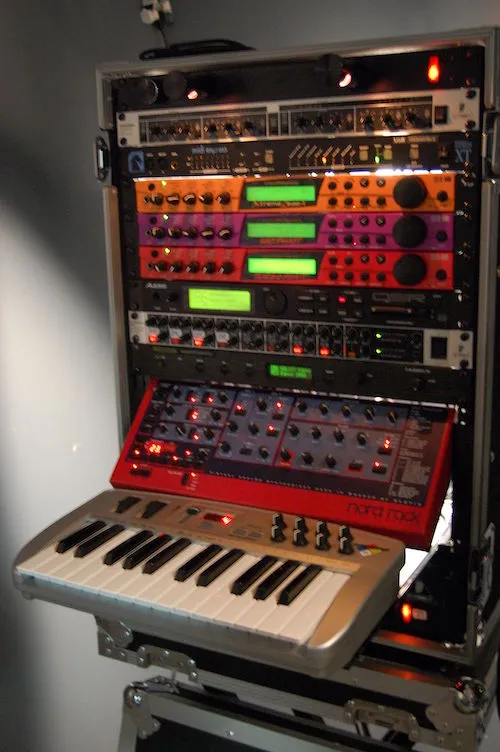
Default way to get information in and out of Pd
- “Musical Instrument Digital Interface” (1981)
- A way to send musical “instructions” to a synthesiser.
- E.g., (CC BY 2.0, Blurred Ren)
- “note on”, “note off”, “control change”, “pitch shift”, “aftertouch”…
MIDI can be hardware (RS232 serial, USB, Bluetooth) or software (RTP-MIDI over a network).
MIDI messages
- One status byte, one or more data bytes
- Status byte has a “status” (4 bits) and (usually) a channel or address (4 bits)
- Data byte is a
0followed by a 7 bit number.
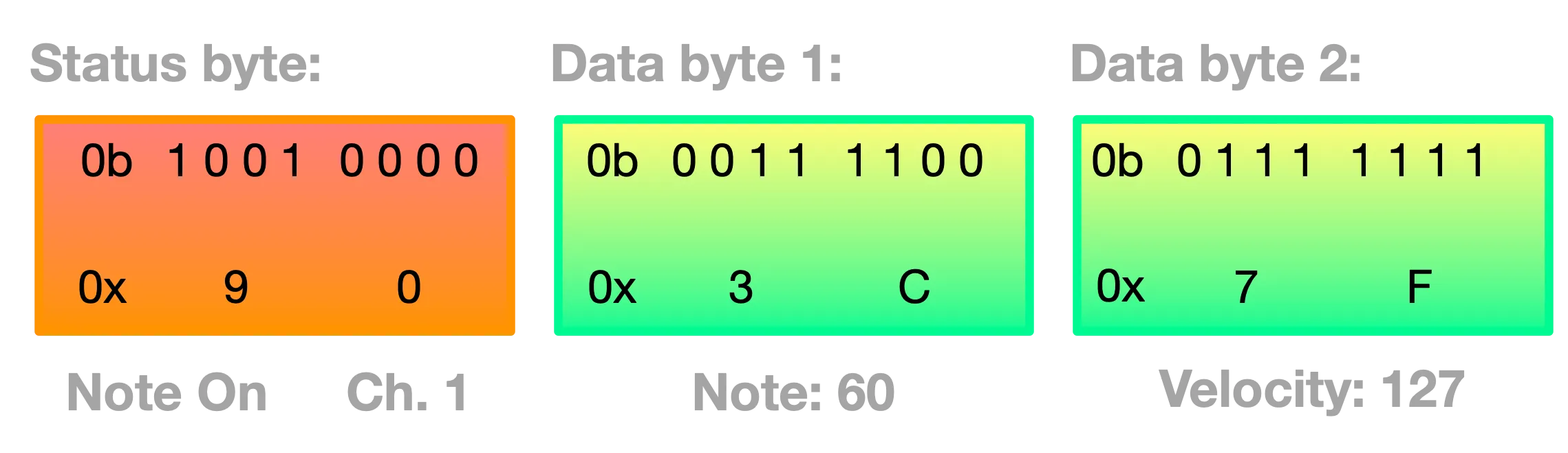
MIDI status byte
MIDI messages have specific meanings defined by the MIDI Association. The upper nibble of the status byte defines the meaning. The lower nibble defines the channel that these apply to (1-16).
| Status Nibble Binary | Decimal | Function |
|---|---|---|
0b1000 | 8 | Note Off |
0b1001 | 9 | Note On |
0b1010 | 10 | Polyphonic Aftertouch |
0b1011 | 11 | Control/Mode Change |
0b1100 | 12 | Program Change |
0b1101 | 13 | Channel Aftertouch |
0b1110 | 14 | Pitch Bend Change |
0b1111 | 15 | System Exclusive, song control, tempo, etc |
MIDI message formats
The Note on/off messsages have the same pattern of data bytes: (pitch value, velocity).
Because the top bit must be 0 for a data byte, you get 7-bit resolution (128 values).
Other messages have different formats, e.g.,
-
Pitch bend change has two data bytes combined into a 14-bit number (although most devices only use the upper 7 bits).
-
Control change (CC) messages are for non-note control data and are of the form (function, value).
Control Change Messages
-
Some of the CC functions are specified the MIDI standard, e.g. (1) modulation wheel, (64) sustain pedal, (2) breath controller.
-
Many control change numbers are only partly specificed (e.g., 12 “Effect Control 1”), or “undefined” (14, 15, 20-31).
-
Pd isn’t a “synthesiser” so doesn’t respond to MIDI messages, it passes them to you to action.
-
Hardware interfaces will often use specific CC controls or allow you to specify them.
-
Hardware synths usually respond in specific (often nonstandard) ways to CC messages (you’ll have to read the manual)
MIDI in Pd
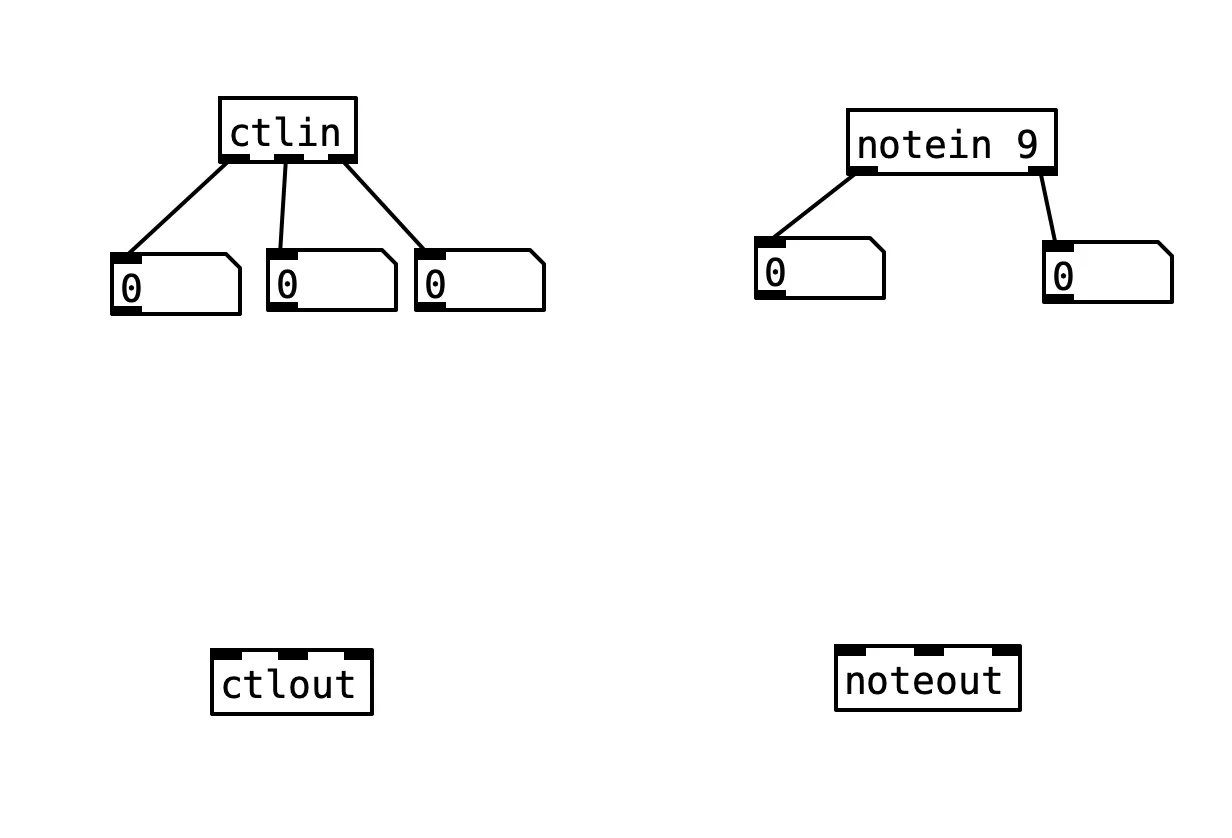
Pd has lots of MIDI objects for interchanging MIDI with a hardware or software port.
- Raw MIDI bytes:
midiin,midiout - Note messages:
notein,noteout - Control changes:
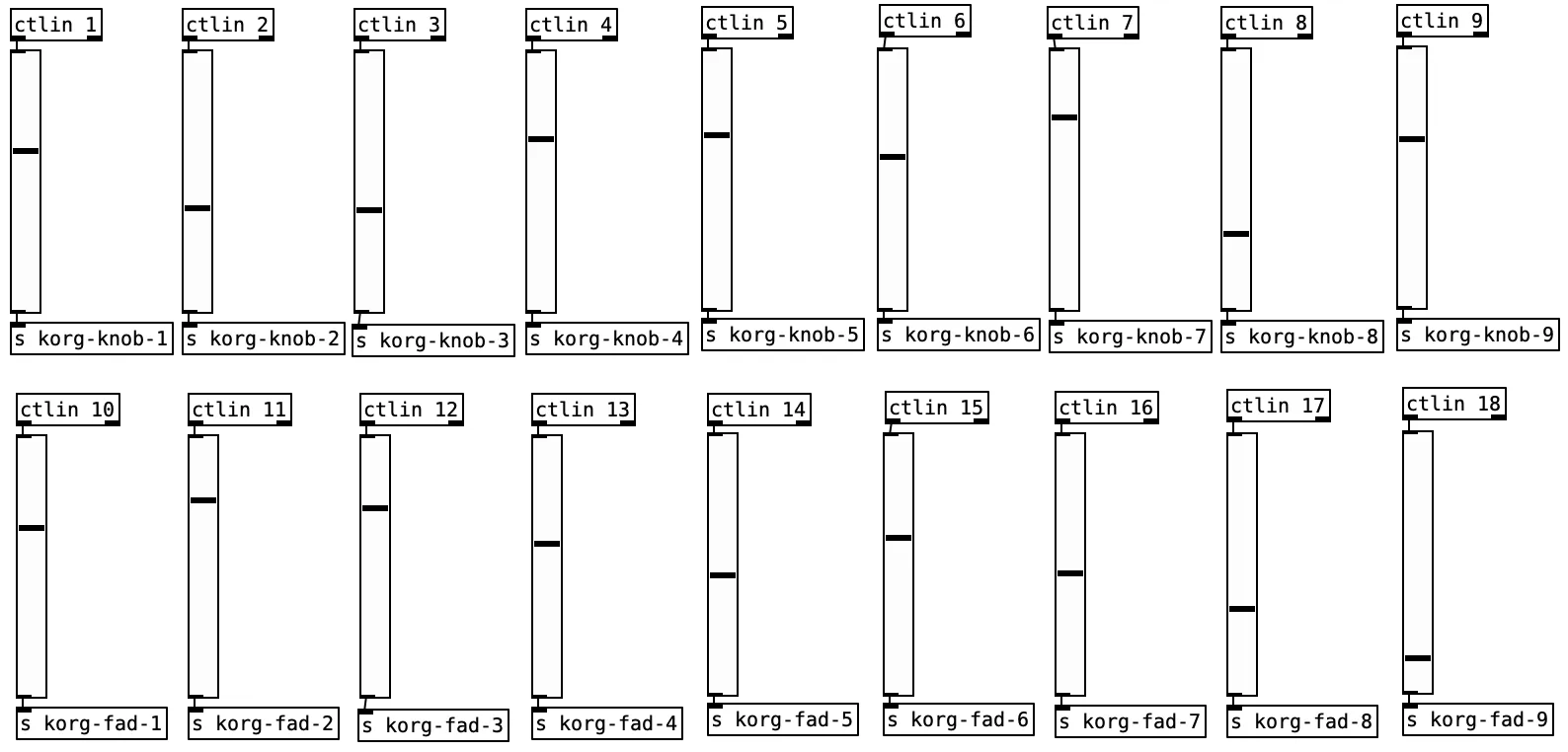
ctlin,ctlout
Receiving from controllers…
Making MIDI notes
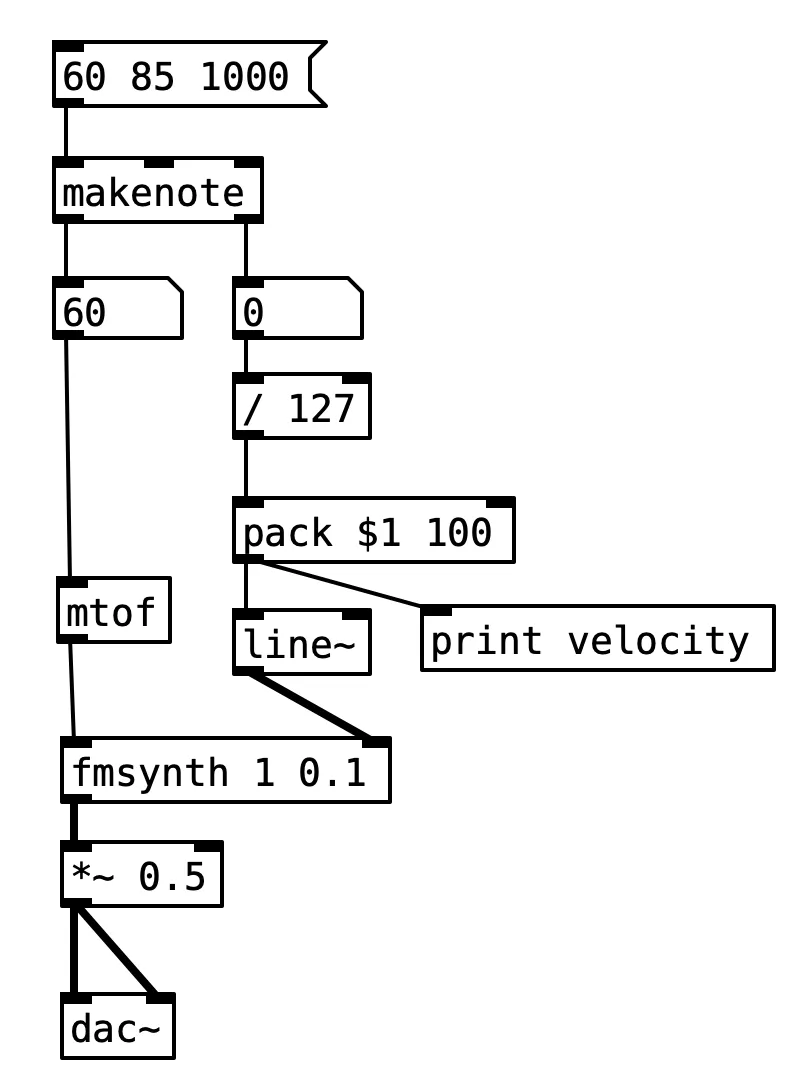
makenote can handle timing for notes with duration
- the three inputs are pitch, velocity, and duration
- outputs are pitch and velocity
- after the duration, the velocity output will change to zero (for that pitch)
You can combine pitch, velocity and duration in one message as shown if you want.
A bit about lists…
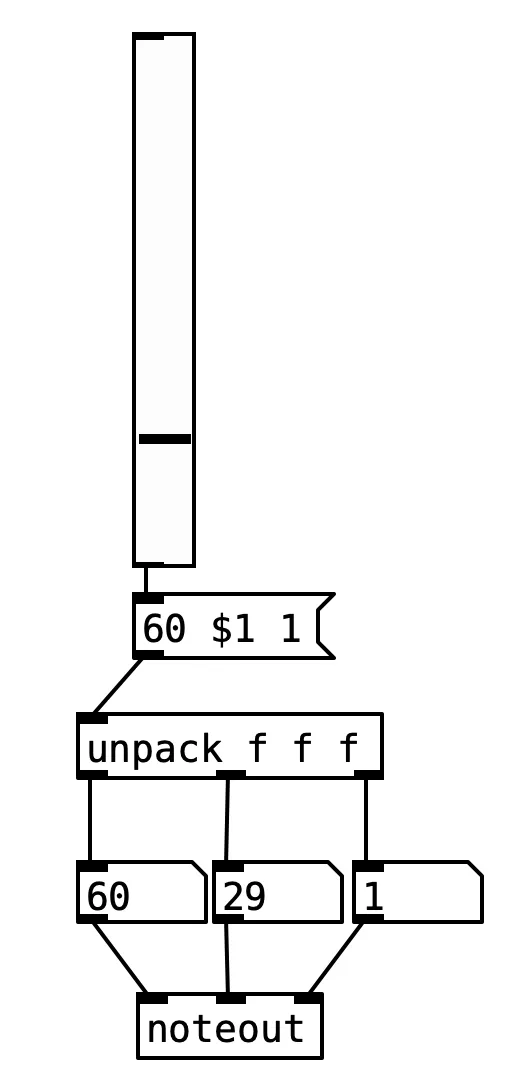
- messages in Pd can contain multiple values (as you know!)
- you can
appendorprependvalues to alist… splitlists in two, ortrimthelistsymbolpackorunpackvalues (all at once)storelists and thensetorgetcertain elements
There’s a bit of weirdness about lists (e.g., some lists have list at the start to disambiguate them from ones with some other symbol). But using $1 arguments and list packing is crucial to advanced Pd patching.
How else are you going to handle the 12-stage envelopes you want to create?
Advanced list packing…
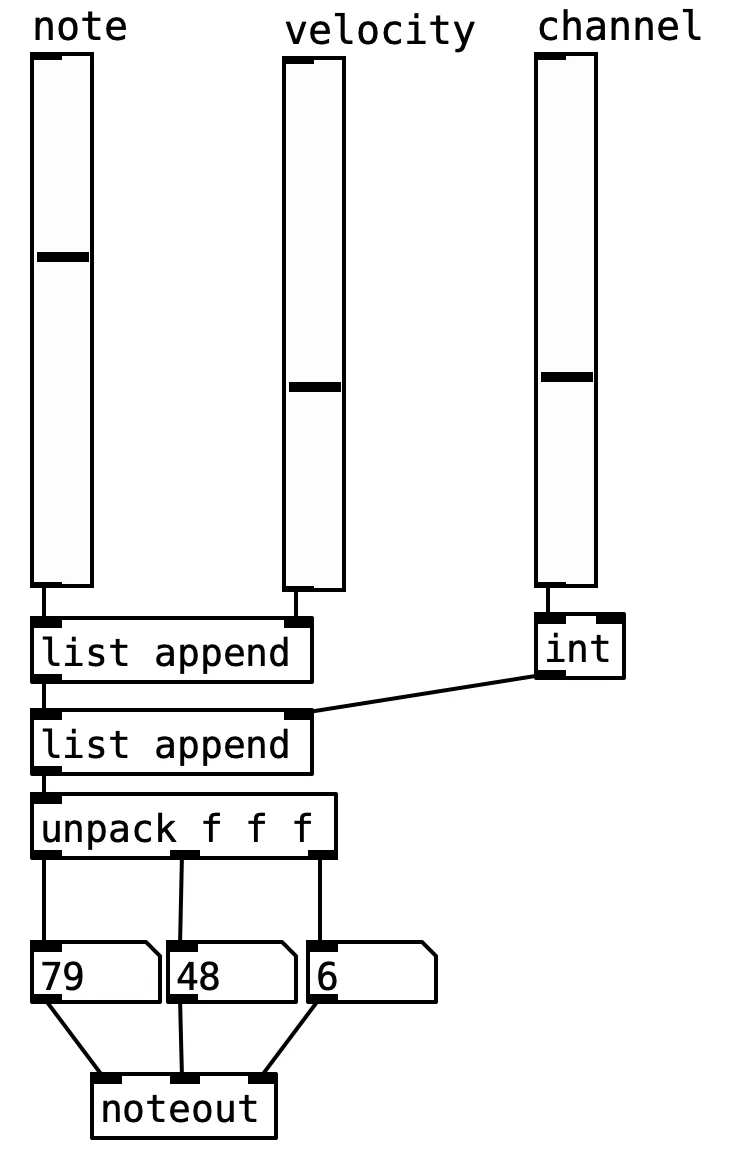
Use list append and list prepend to add items to a list.
Good way to accumulate an envelope message, or all the parameters for a synth note…
MIDI over a network
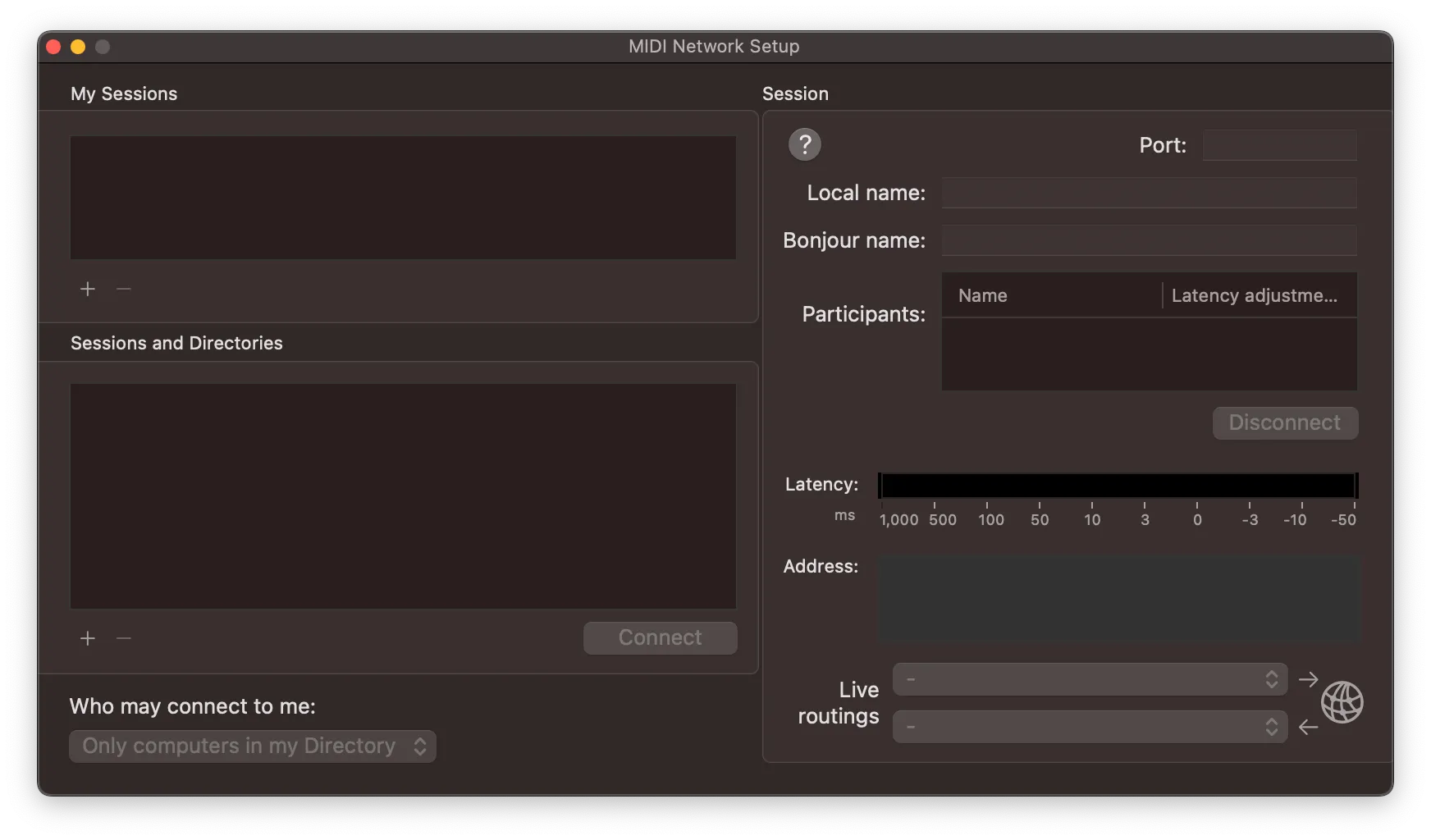
MacOS has built-in support for network MIDI (look in the “Audio MIDI Setup” application, open the “MIDI Studio” from the Window menu, then click the little globe icon on the window title bar.
Other OSs: you can get compatible implementations, see RTP-MIDI.
Beyond MIDI… making our own protocols
As a programming language, Pd can send information over a network using TCP or UDP protocols.
In fact, Pd (and many other computer music systems) using network messages all the time to communicate between the graphical front-end application and a DSP process creating sound.
Other systems (e.g., SuperCollider, Tidal) make the split between programming client and DSP server more explicit.
We can create our own protocols that go beyond MIDI or use the more flexible Open Sound Control standard.
netsend and netreceive
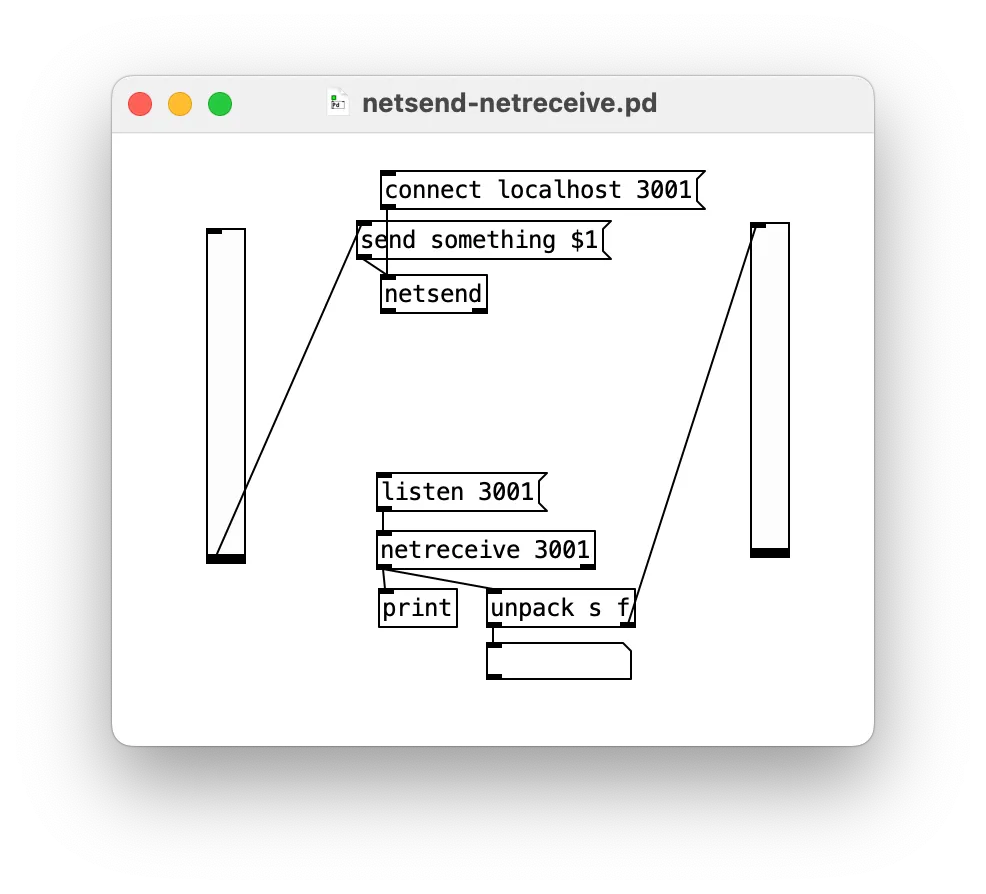
netsend and netreceive are the basic objects for making network connections and sending messages.
By default: TCP connections sending ASCII text in Pd’s own FUDI format (space separated, semicolon terminated text messages).
You can use -u to switch to UDP, and -b to switch to binary message sending.
TCP vs UDP (is this important? probably)
-
UDP: no “connection” required between sender and receiver, fast and simple, no protection against dropped packets! (ask me how I know)
-
TCP: requires a “connection” between a sender and receiver, a bit slower, dropped packets are detected and resent.
Computer music networks often rely on UDP for simplicity and speed, possible for badness in wireless situations.
(I promise no 7-layer network diagrams here)
Open Sound Control (OSC)
- standard way to send messages between synth software over (local) network connections (see the spec)
- normally UDP messages
- one message can have many pieces of data, both numbers and text

Simple packing: address and type are ASCII text, each section padded to 4-byte boundaries. The “address” tells you what the message is supposed to do (defined by you).
Sending and receiving OSC in Pd.
- very simple OSC implementation… (but it works)
- address chunks and all arguments end up in a list: up to you to do what you want with them.
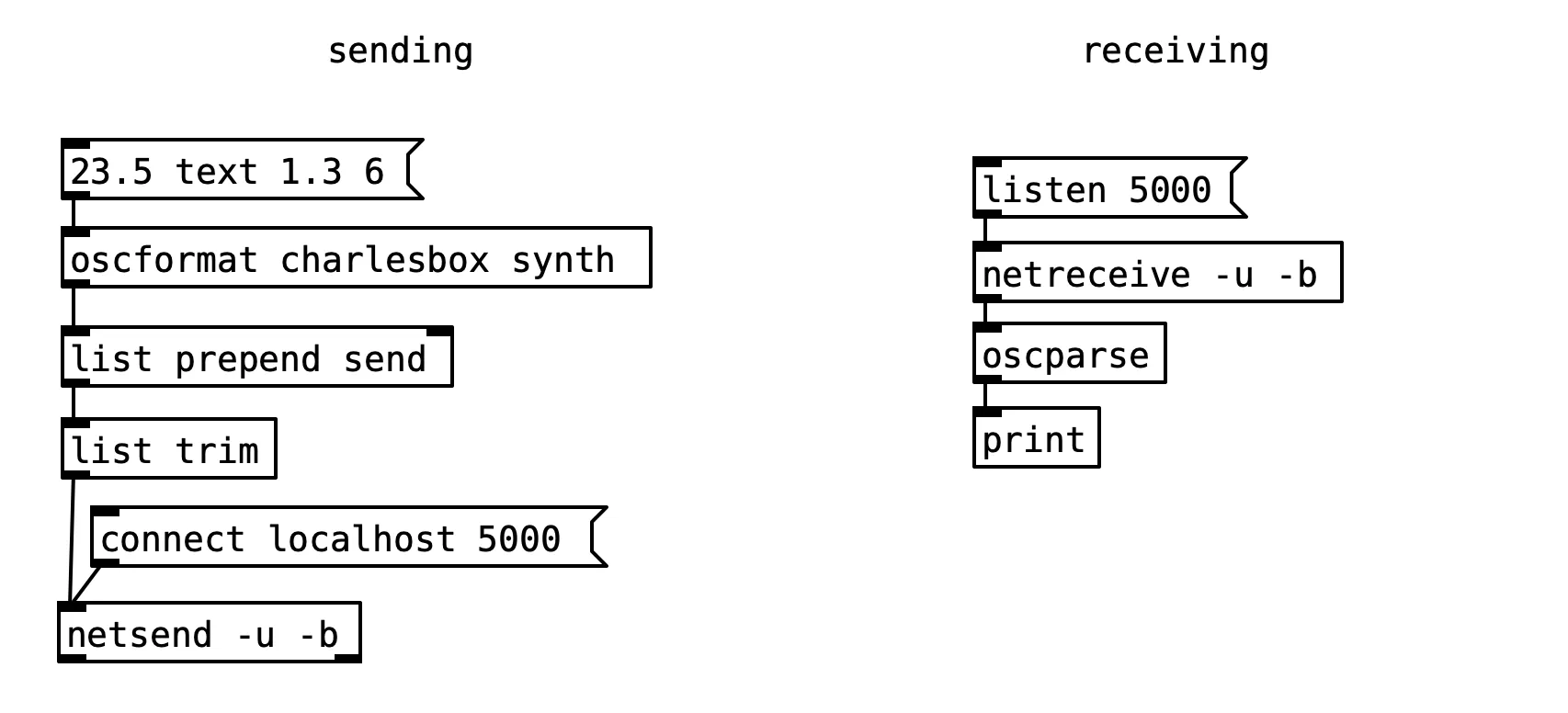
Routing Messages
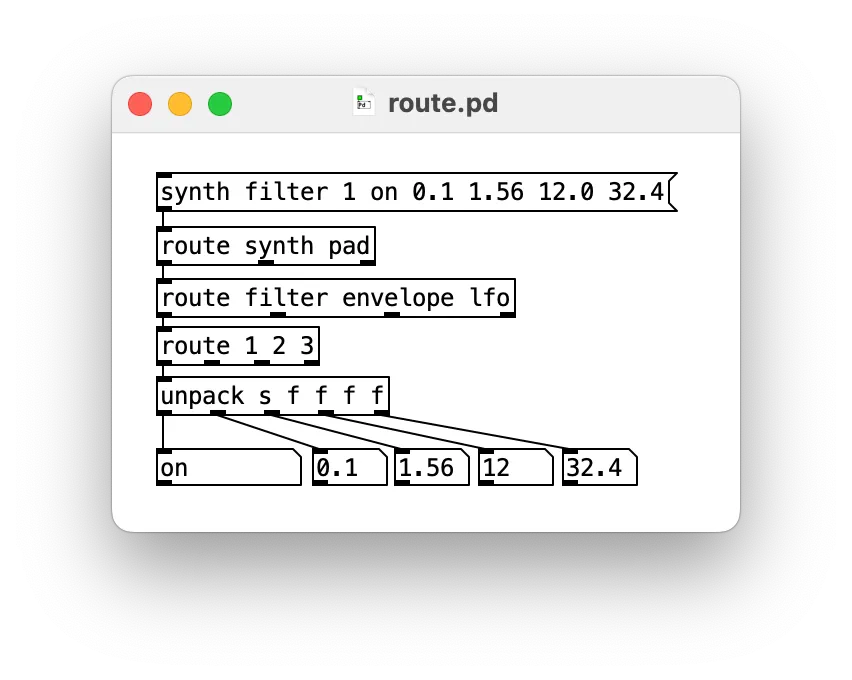
How do you parse and handle network messages?
The route object is similar to “select”, but trims off the matching first message.
- use
routeobjects to pattern-match the address of your message - then
unpackthe message (you should know the structure of the contents)
Practicalities
Typically need your own network, university WiFi often won’t work for direct TCP/UDP connections.
I use a small router for rehearsals, we will have a router at the LENS final performance.
You could try tethering to one phone if you don’t have a spare router.
UDP over WiFi loses packets! (by definition)
Who has a question?
If you question is “How do you live code MIDI sending in bare metal ARM assembly?” then the answer is to watch this video