So far…
- sounds
- notes
- compositions
- connections
But how do we control any of it?
We’re missing the performer in the laptop music ensemble!
No performers: The Acousmonium (not in this class!)
There is always an interface!
Someone always has to press “play”.
We define an interface here as “software or hardware for controlling electronic music performance”
What kinds of interfaces are there?
Software Interfaces
interfaces can be based in software, e.g.,
- Graphical User Interface (GUI) elements in Pd
- Graphical interface design app (e.g., TouchOSC) running on tablet/phone (connected via network)
- Custom graphical UI created in Processing, p5.js, Unity, etc (talk to Pd via MIDI or network)
- Custom programming language to control Pd (over a local network): live coding systems
Hardware Interfaces
interfaces can be based in hardware as well:
- traditional human interface devices (HID): mouse, keyboard, joystick, dual-stick game controller
- non-traditional HID: webcam, microphone, laptop “drop sensor”
- commercial music interface devices: small piano keyboards, drum pads, fader/knob interfaces
- custom HID: microcontroller (e.g., MicroBit or Arduino) plus sensors
- separate interface computer: Raspberry Pi or smart phone with custom hardware/software communicating over a network connection
NIME community
“New Interfaces for Musical Expression”: https://nime.org
- …new kinds of musical instruments…
- …new kinds of music making…
- …and new kinds of music?
Software Interfaces
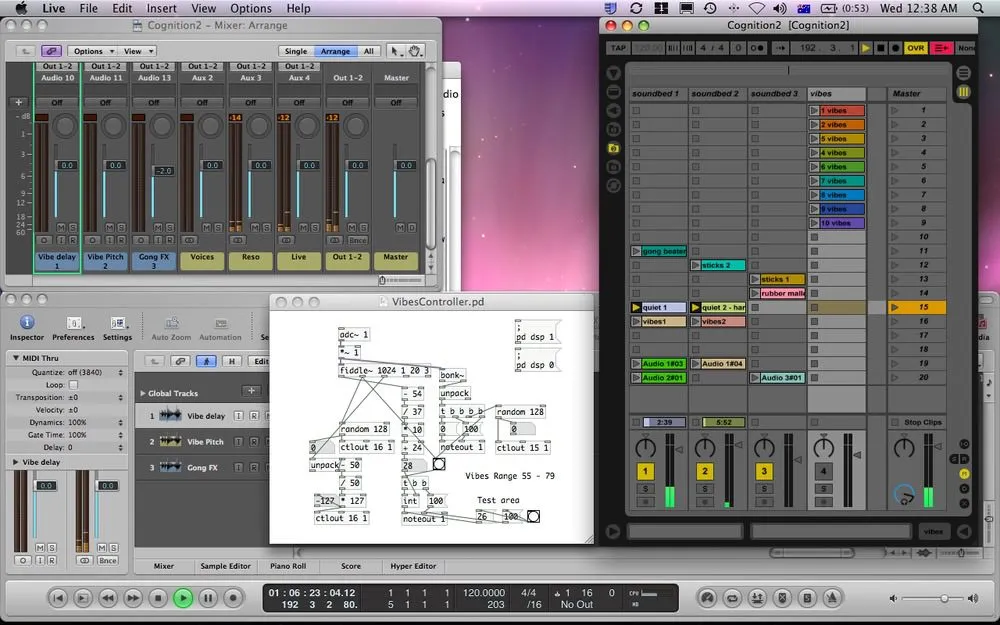
Pd GUI Objects
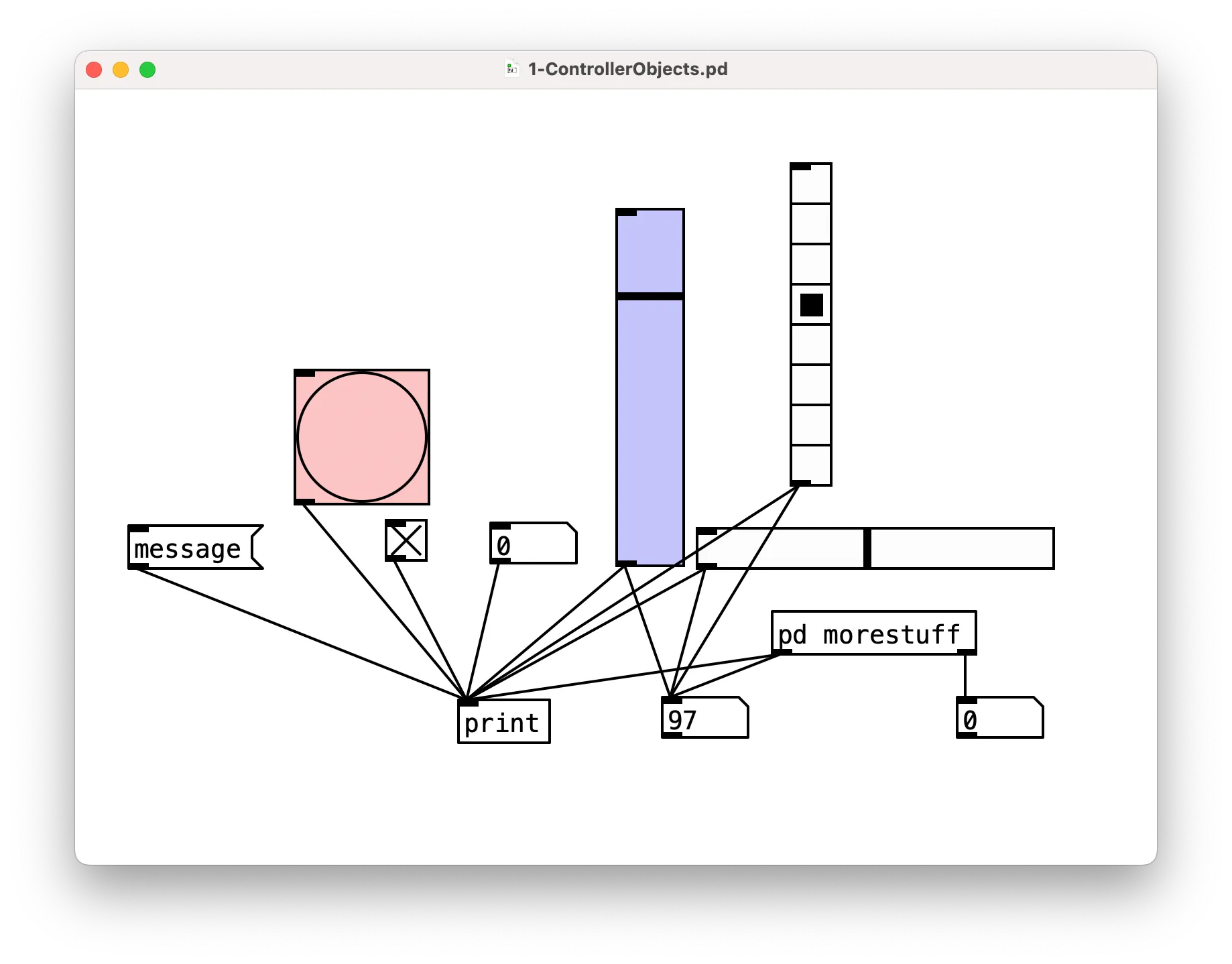
- Buttons:
bang,toggle,message - Sliders/Faders:
vslider,hslider - Selectors:
Vradio,Hradio - Documentation:
comment, labels on other objects.
Try right-clicking sliders, bang or toggle to customise size, change colour, add labels.
Subpatches and Graph-on-Parent
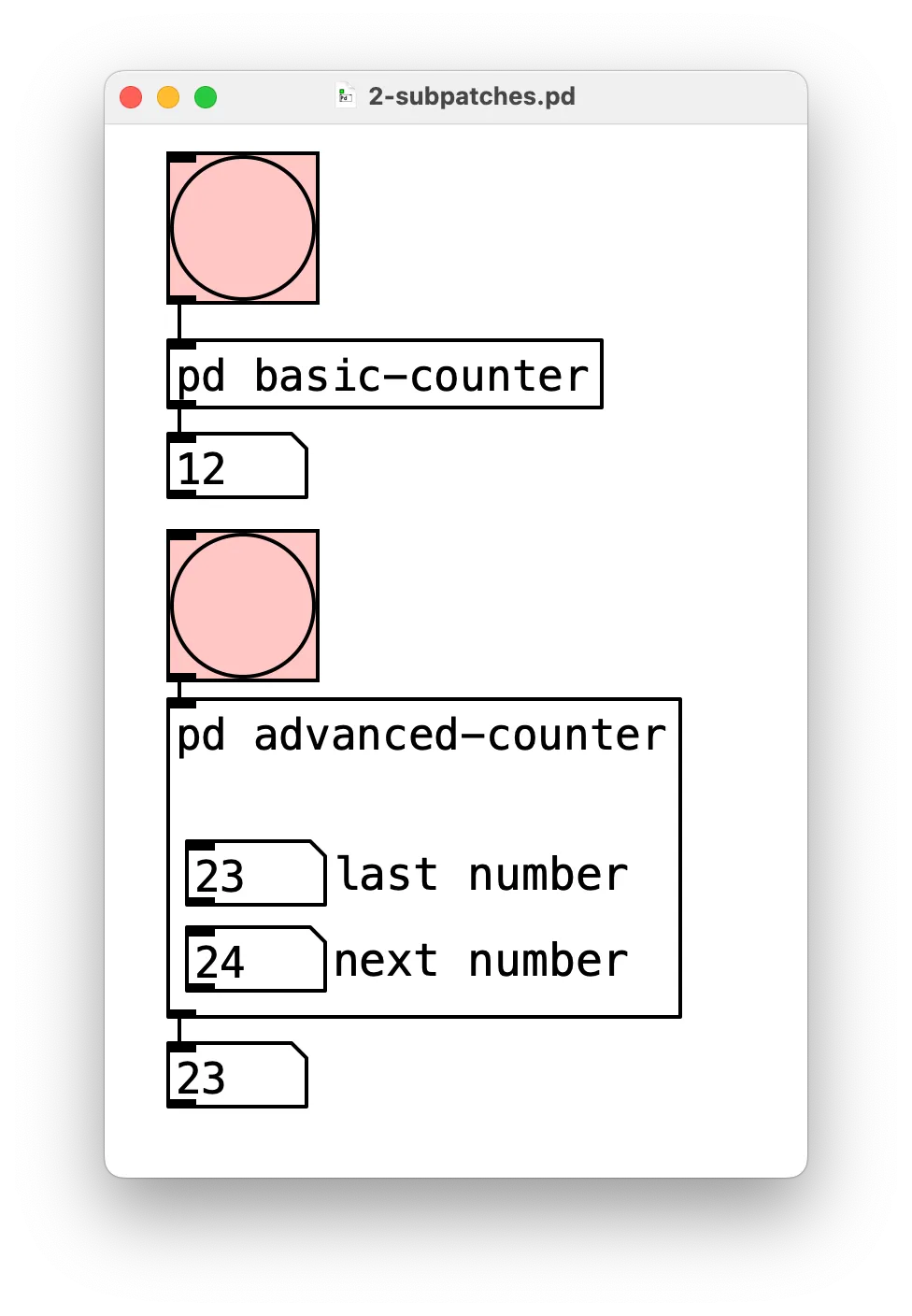
To make sufficiently complicated Pd programs “neat”, you need to use subpatches and/or define your own objects.
- Subpatch: type
pdand then the name for an object - Own object: save a patch as a separate
pdfile, e.g.,charlespatch.pd, then insert in another patch with it’s filename:charlespatch.
Use inlet, inlet~, outlet, outlet~ to get information in and out, and $0 to uniquely identify.
Use “graph-on-parent” (right-click properties) to make parts of a patch show up on the parent.
Cool Pd Interfaces are Good
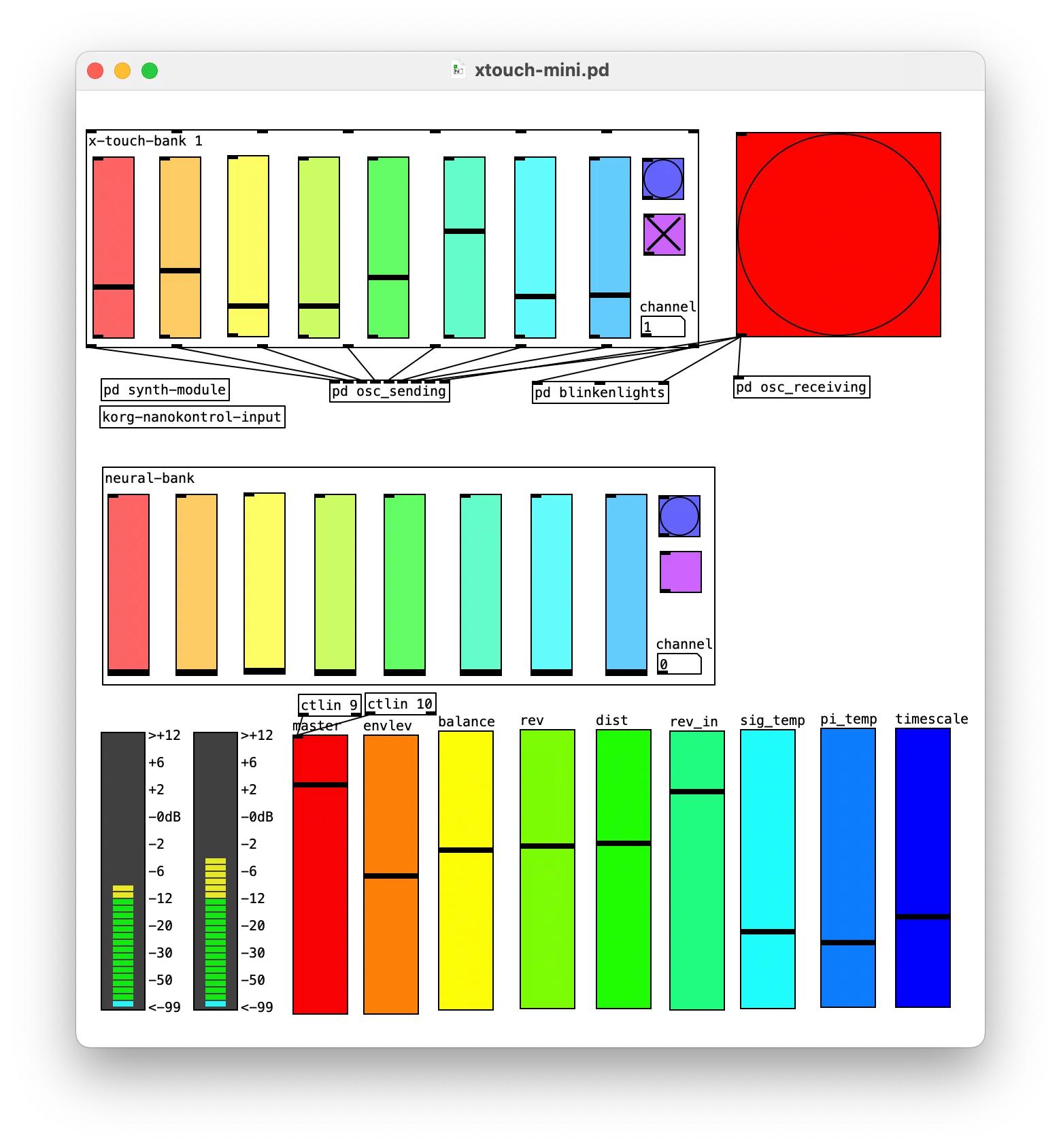
It’s worth spending time on your Pd interfaces!
Clear and refined interfaces help others use your creativity support tools.
This is crucial for ensemble performance.
Graphical Interface in Processing
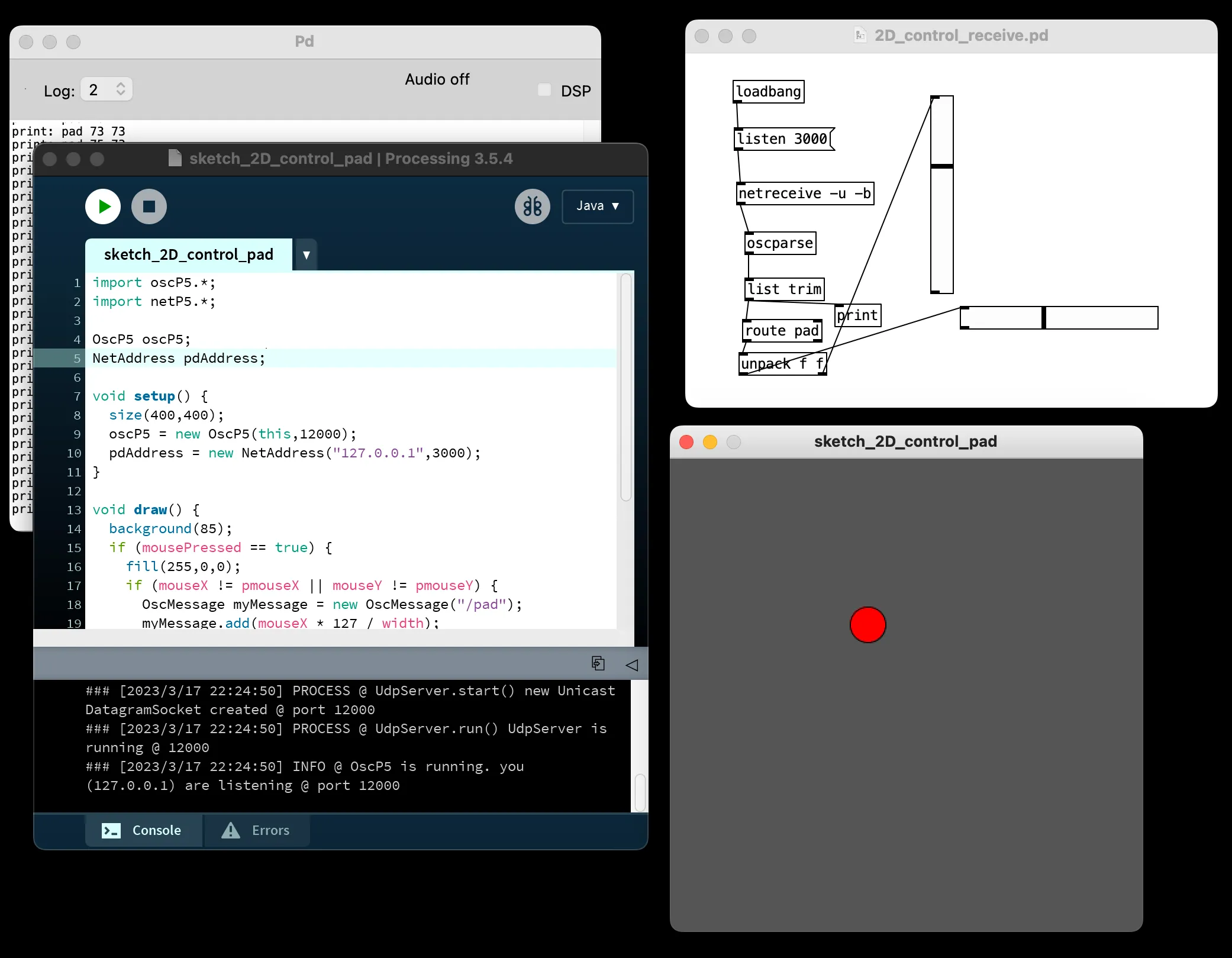
Processing is a good way to create a quick custom graphical interface.
Track the mouse, access a webcam, create game-like experiences, etc, with the power of Java.
Use the OscP5 library to send OSC messages.
N.B., this is highly related to, but not the same as p5.js.
Live Code Interfaces
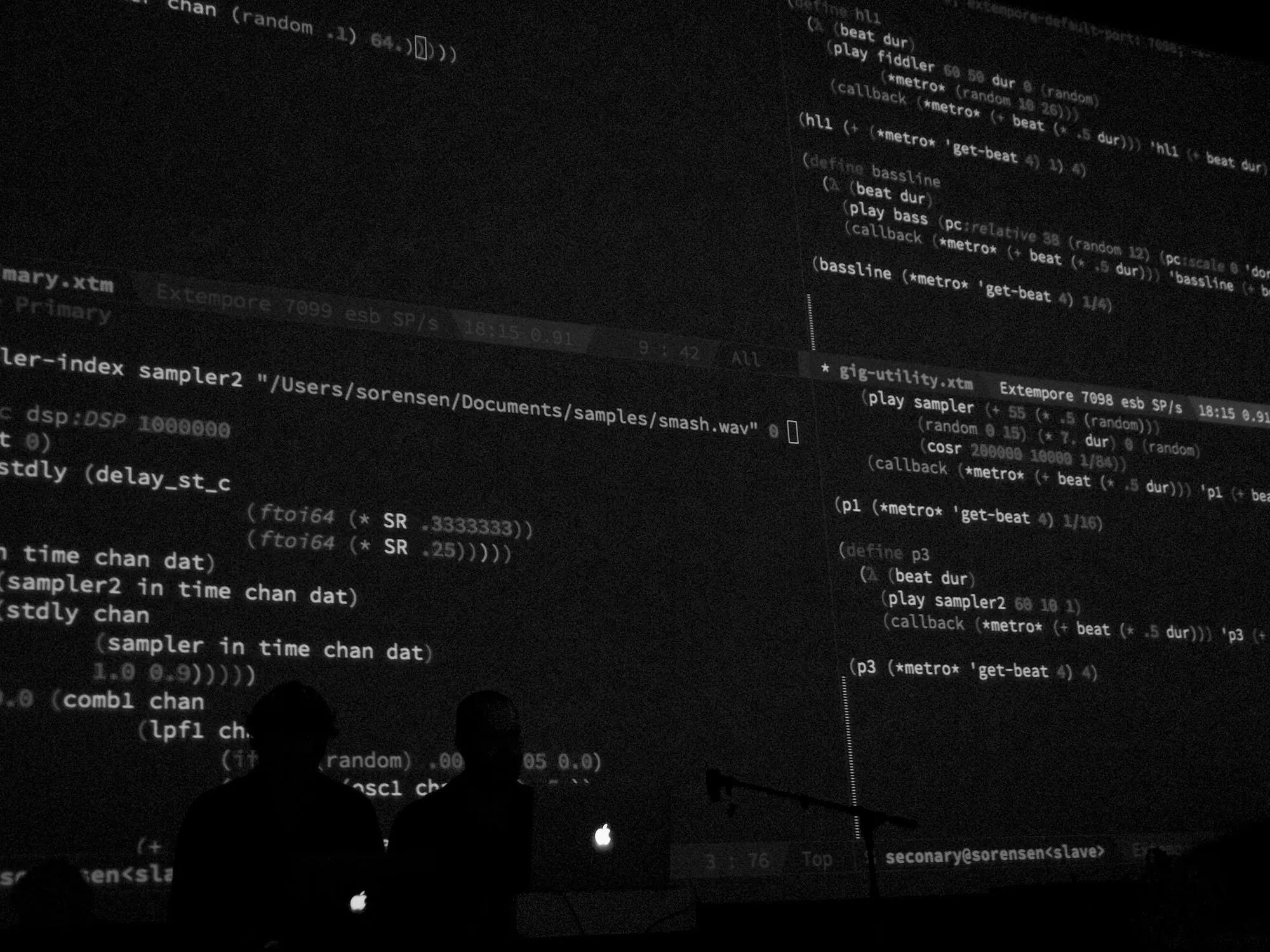
Just as we used Processing to control Pd over OSC, we could just use any programming environment with real-time execution. E.g.,:
- terminal, use sendosc or just pdsend
- python, use python-osc
- any other live coding music system
There more detail on live coding later in this course.
Go do it in software
Make a a Pd software interface for a composition composition/synth.
Use graph-on-parent and subpatching to hide the DSP components, lets see the sliders!
Hardware Interfaces
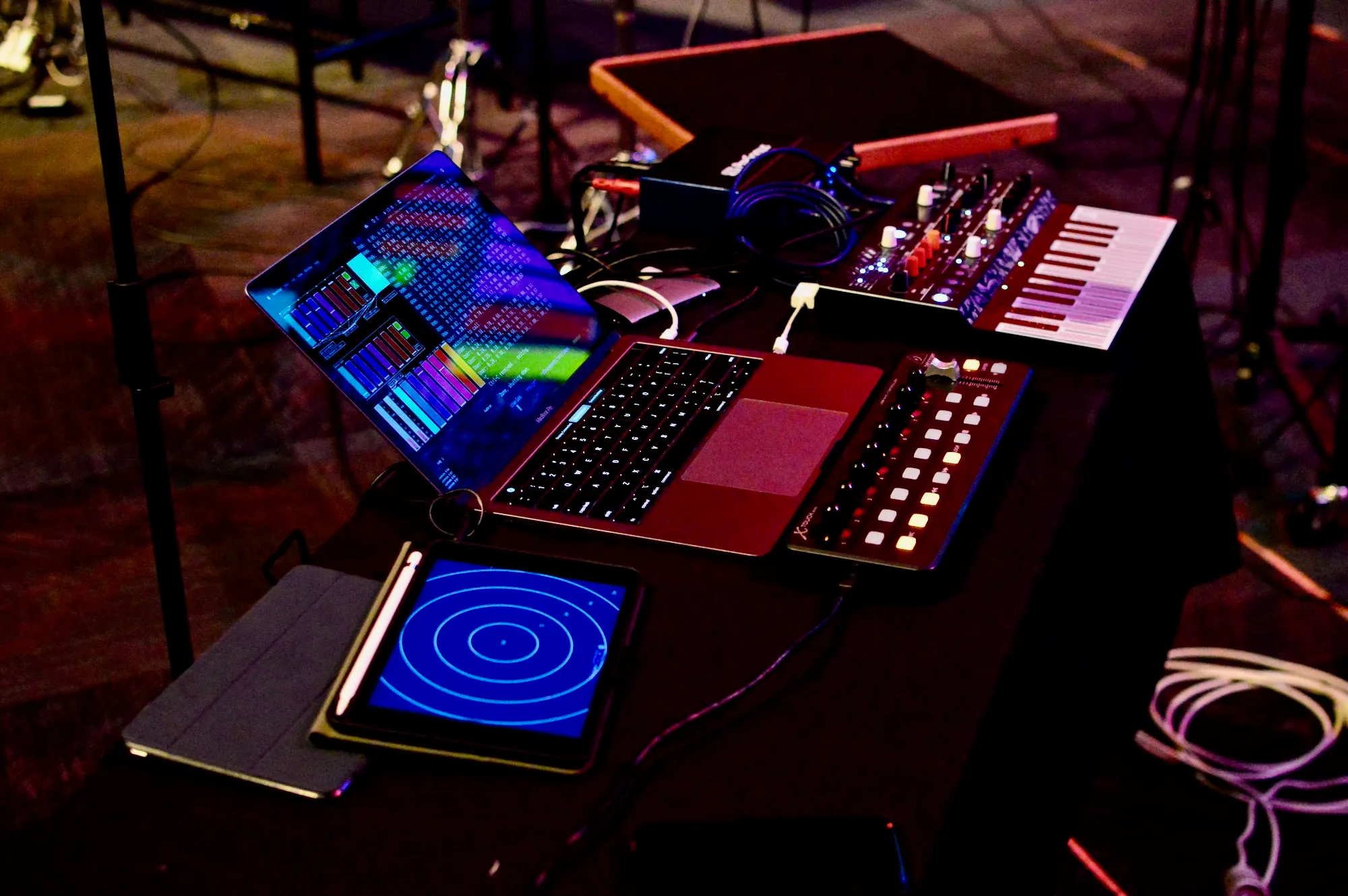
Human Interface Devices in Pd
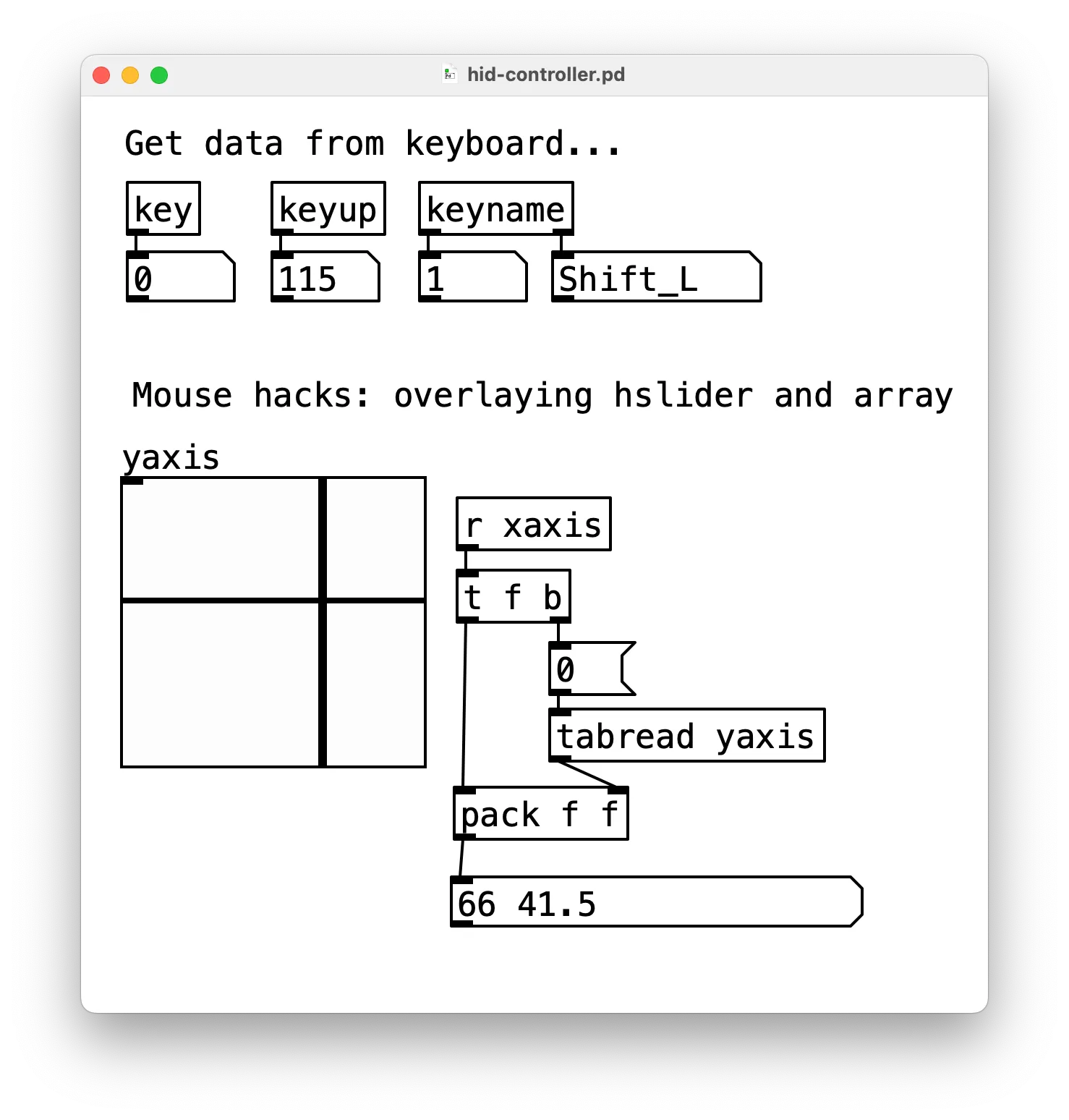
Keyboard is easy: key, keyup, keyname.
Mouse–not so easy:
- weird hacks overlaying
hsliderand anarrayof size 1 - xy.pd for a 2D mousing area abstraction
Used to be an external called hid but it’s very old.
(suggest looking at Processing for HID interactions)
Interfacing with audio…
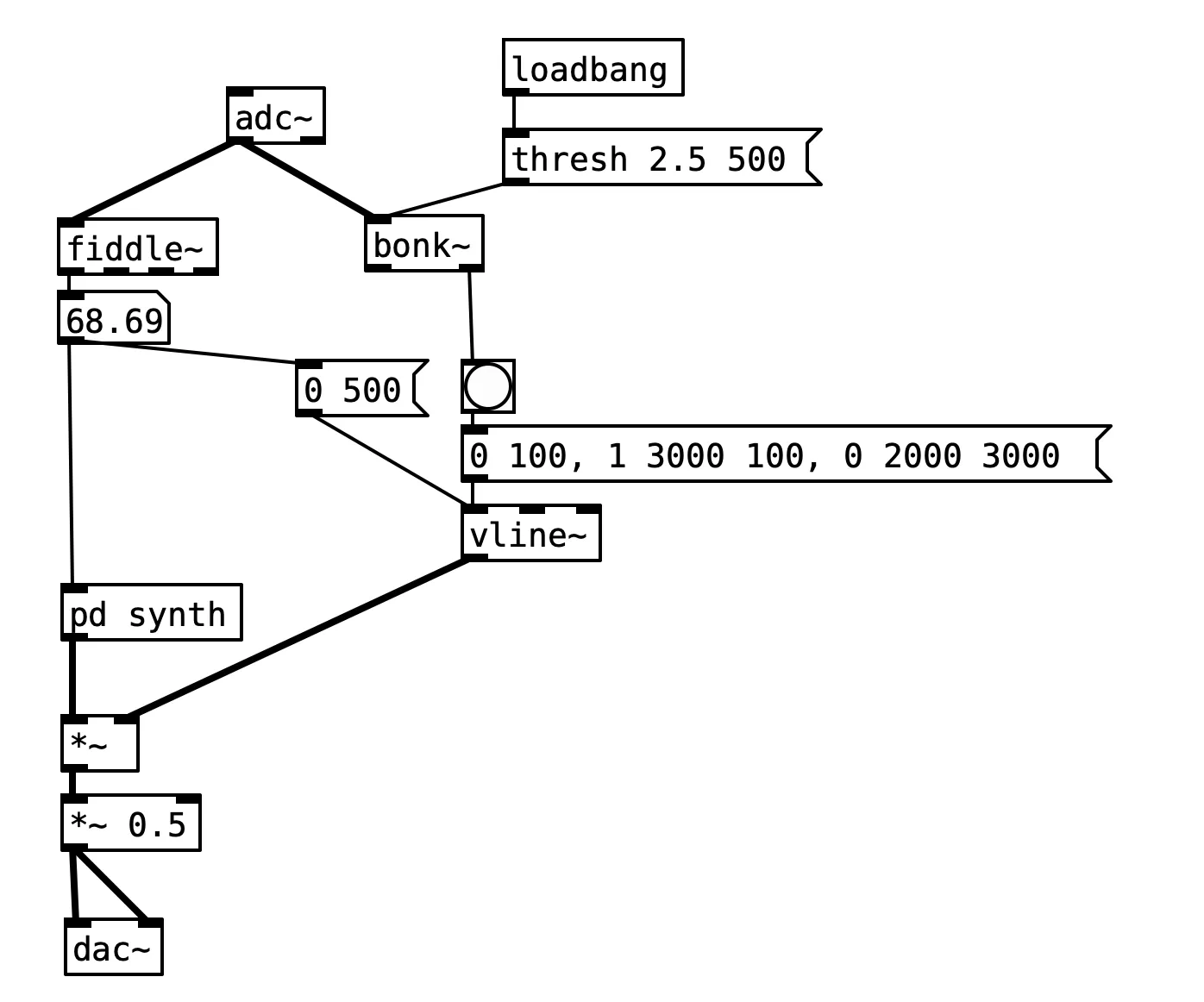
- easy way to get some NOISE into your system, try interfacing with audio.
- pitch detection:
fiddle - onset detection:
bonk - try with voice, contact microphones, input from other performers, mix-down of the performance.
Camera
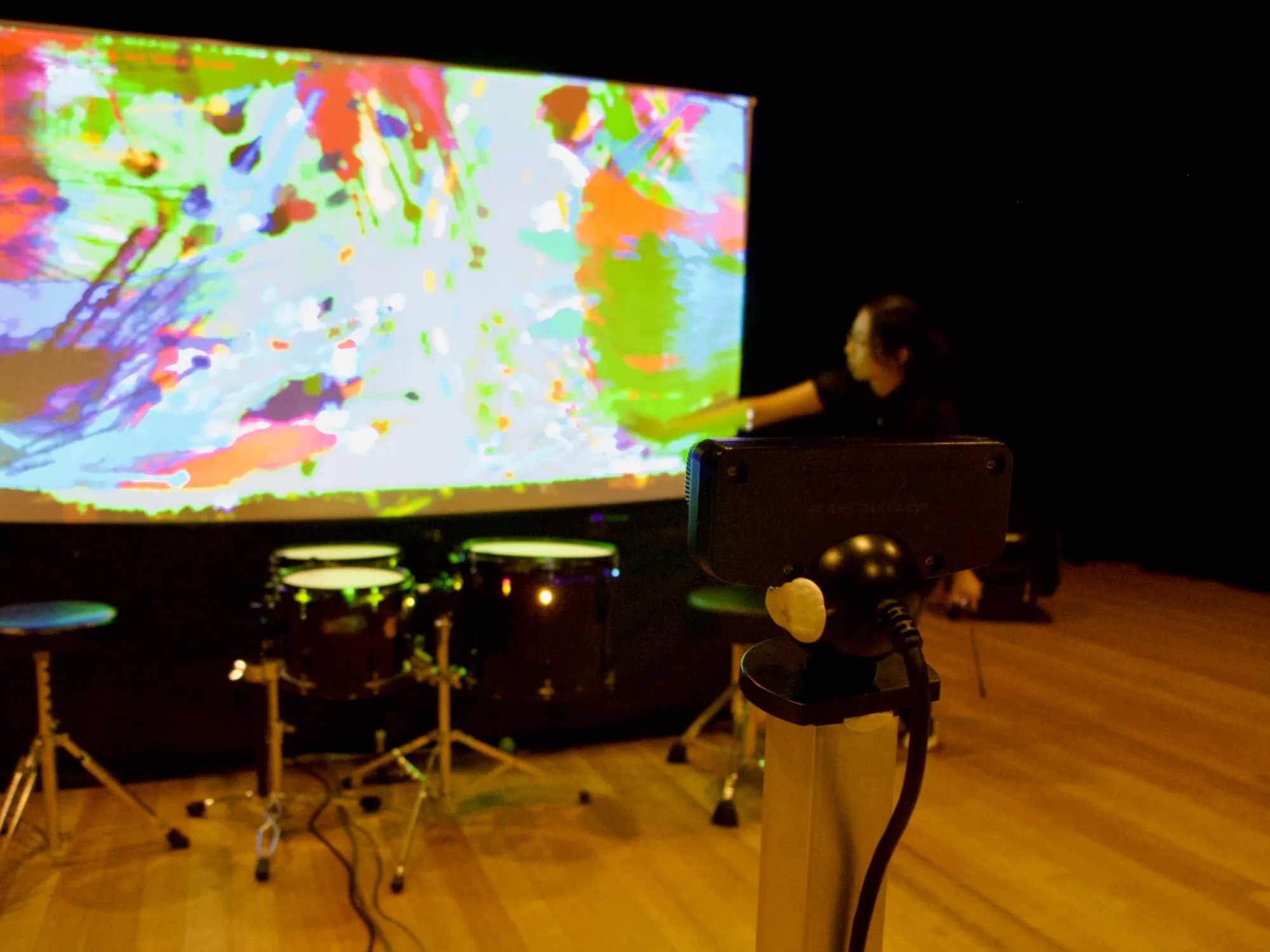
Pd can’t access a computer camera, but Processing can.
(I was super into webcam controllers ~2009)
better interfaces might use some computer vision techniques (own research or wait for week 12)
MIDI Controllers (2008)
MIDI Controllers (2022)
Commercial MIDI Controllers
I love MIDI controllers, but they are not always relevant to this class—mainly focussed on music production in a DAW (e.g., Ableton).
Keyboards: requires piano skills to be “good”, melodic music doesn’t always work well in LENS performances.
Remember that in computer music:
- buttons (binary discrete data) tend to less interesting
- sliders, faders, accelerometers, light sensors etc. which have rich, continuous data are more interesting
Connecting interfaces
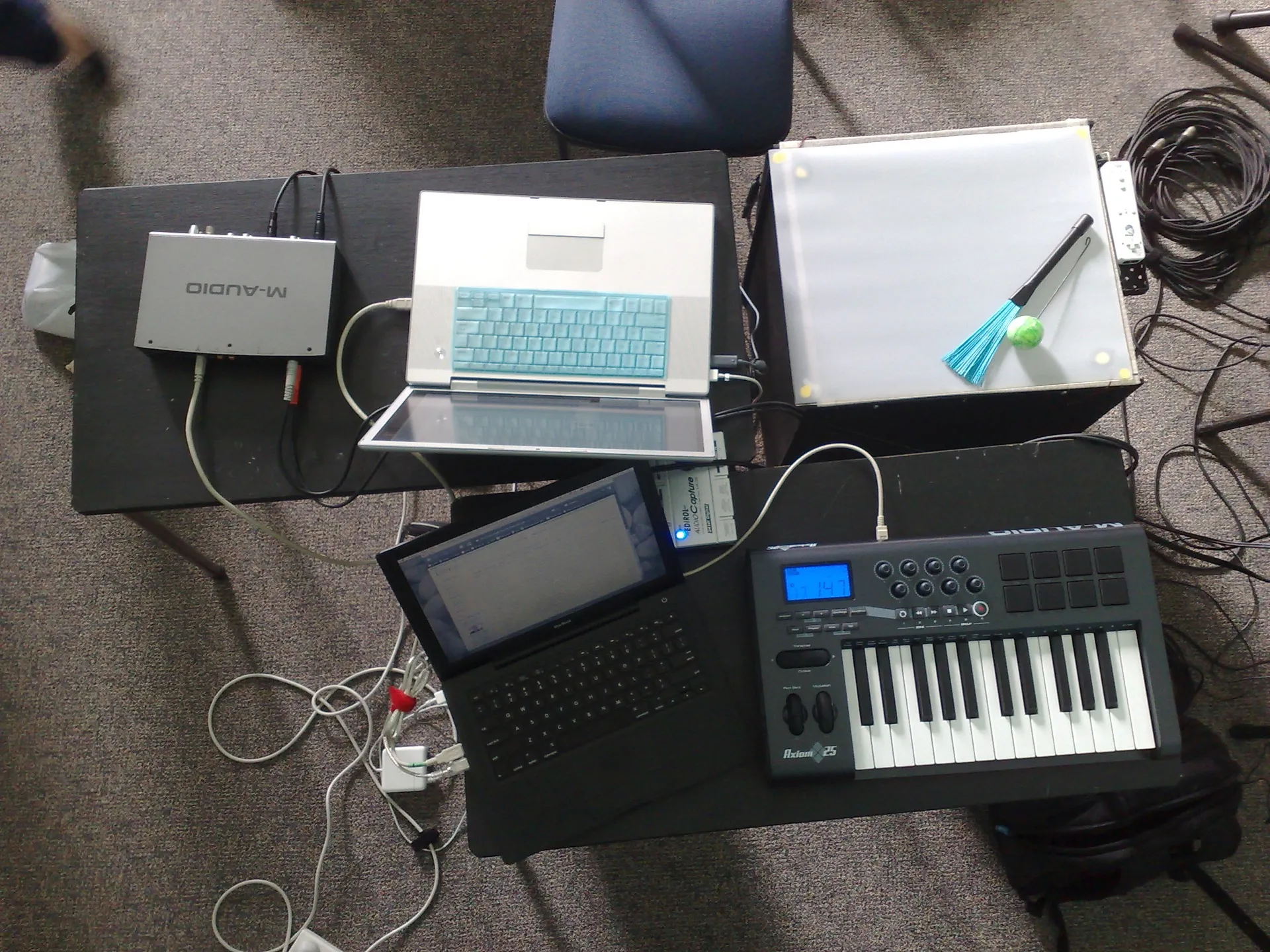
- most commercial interfaces use MIDI over USB
- some modern devices use MIDI over Bluetooth
- phones/tablets connect using OSC over WiFi
- digital mixing desks and other equipment sometimes uses OSC over ethernet
- DIY option: serial over USB then translate to MIDI/OSC
Phones and OSC interfaces
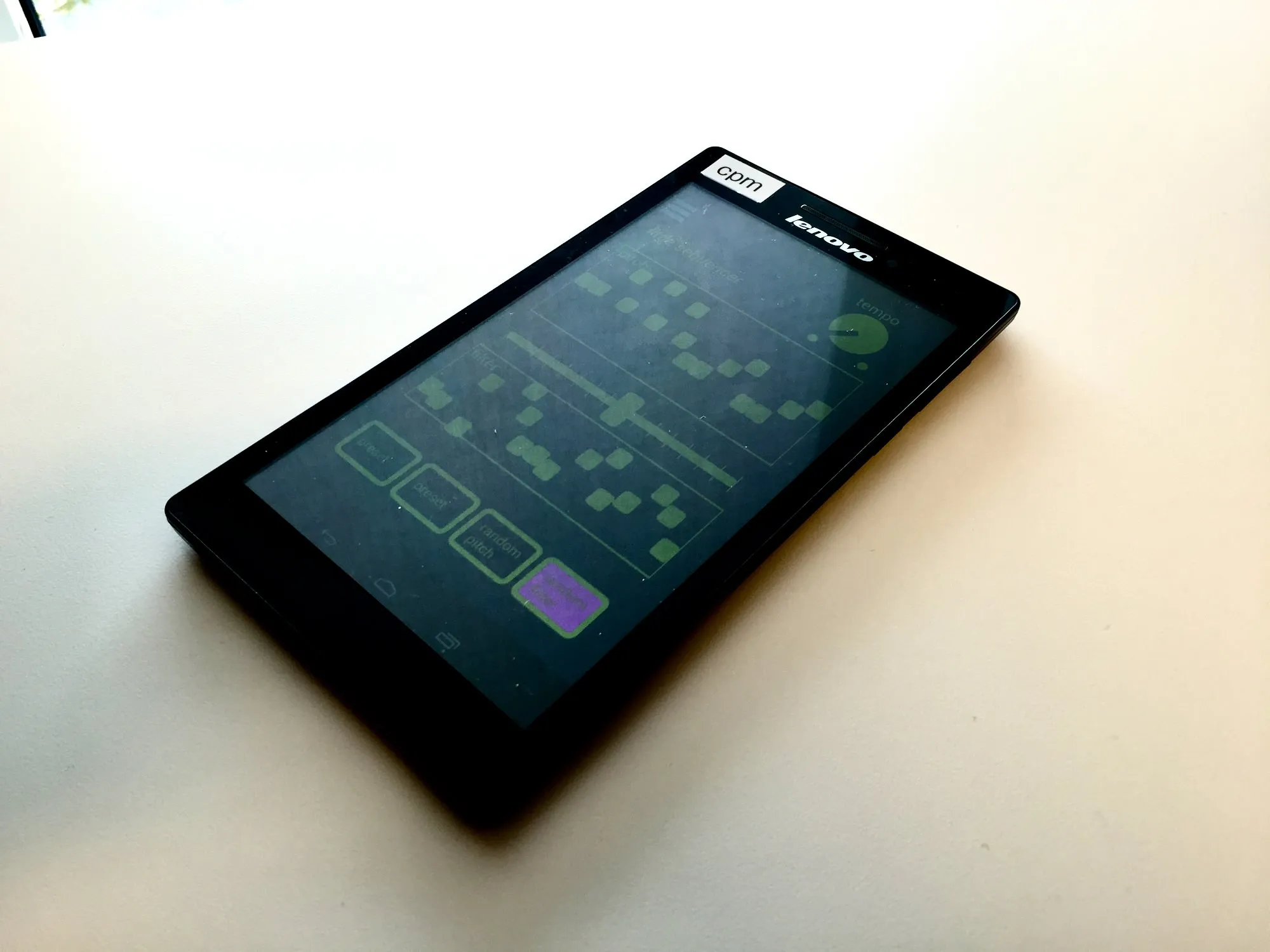
A mobile device is a great controller:
- easy to hold
- amazing touch screen
- sensors (accelerometer and others)
Options:
- TouchOSC app
- DIY with MobMuPlat (works by running Pd on your phone with a special app to design a GUI)
- DIY with PdParty (just runs Pd patches on your phone)
NIME Microcontroller Workflow…
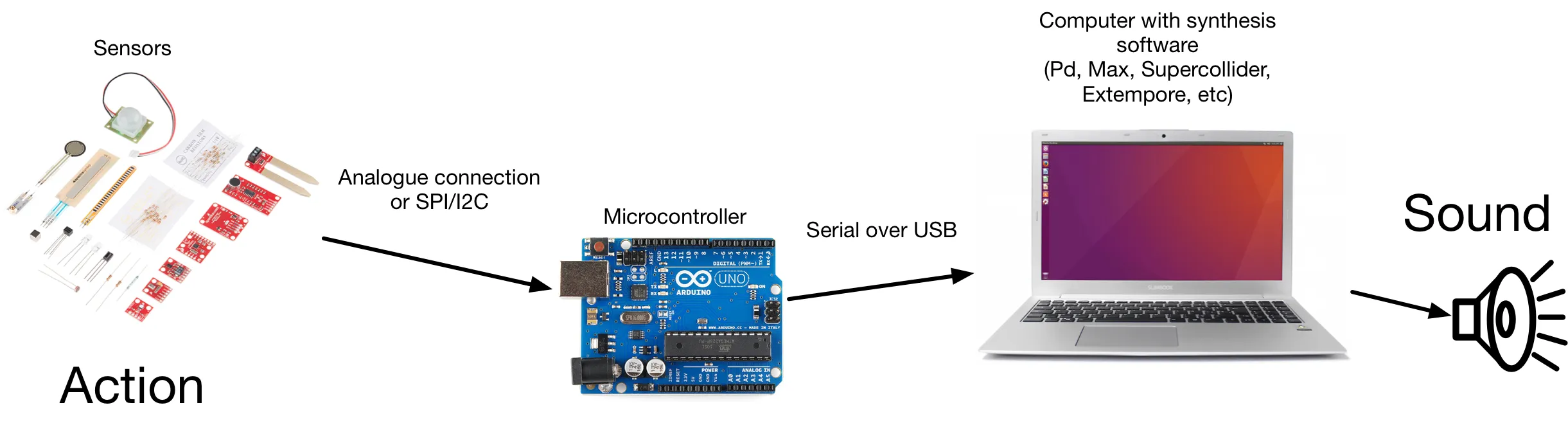
Best practices for DIY interfaces
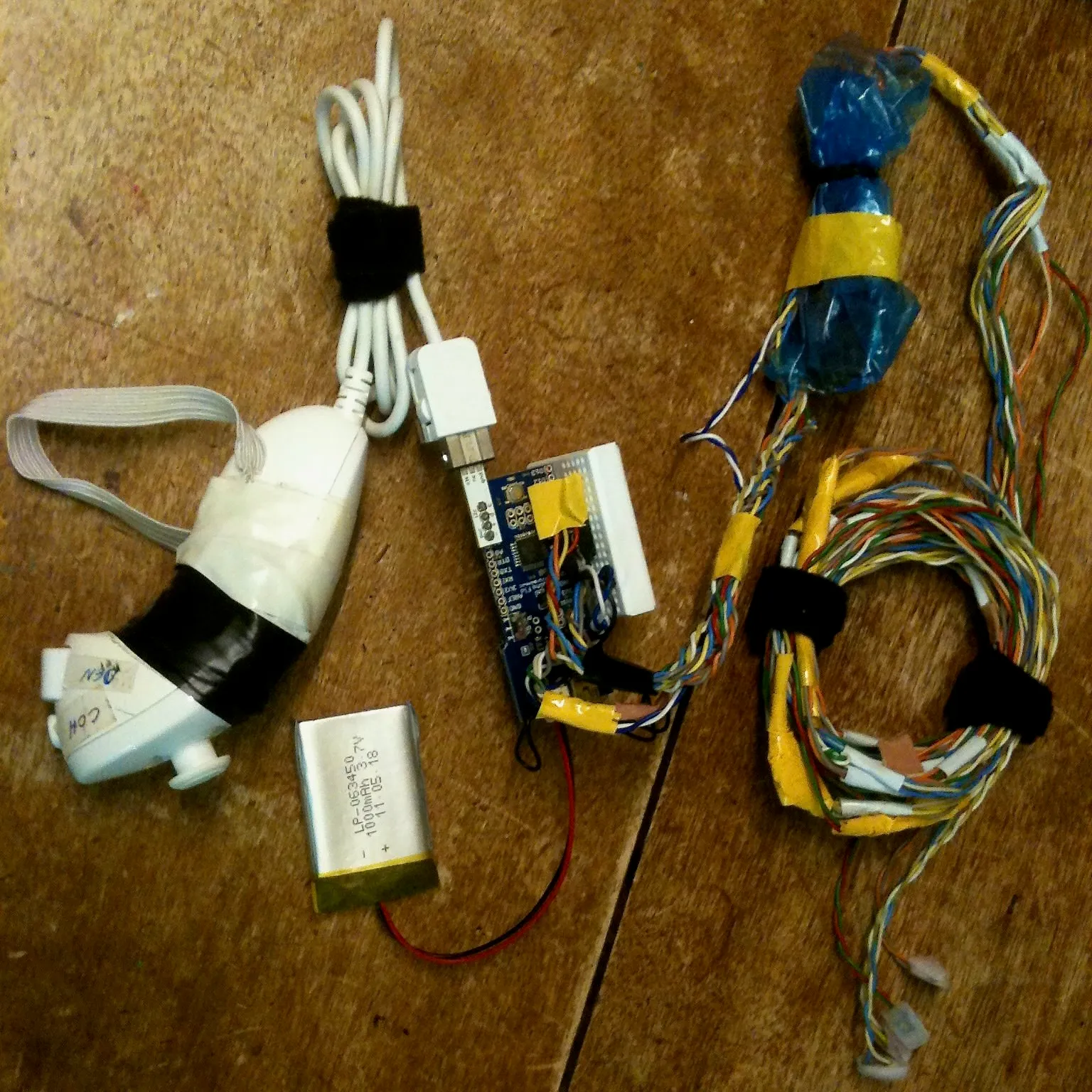
The best way to control Pd with a microcontroller is to make it speak MIDI.
- Arduino MIDIUSB library
- Teensy USB_MIDI example
Alternatively, you can use a serial connection and translate to MIDI.
Interfaces and Ensembles
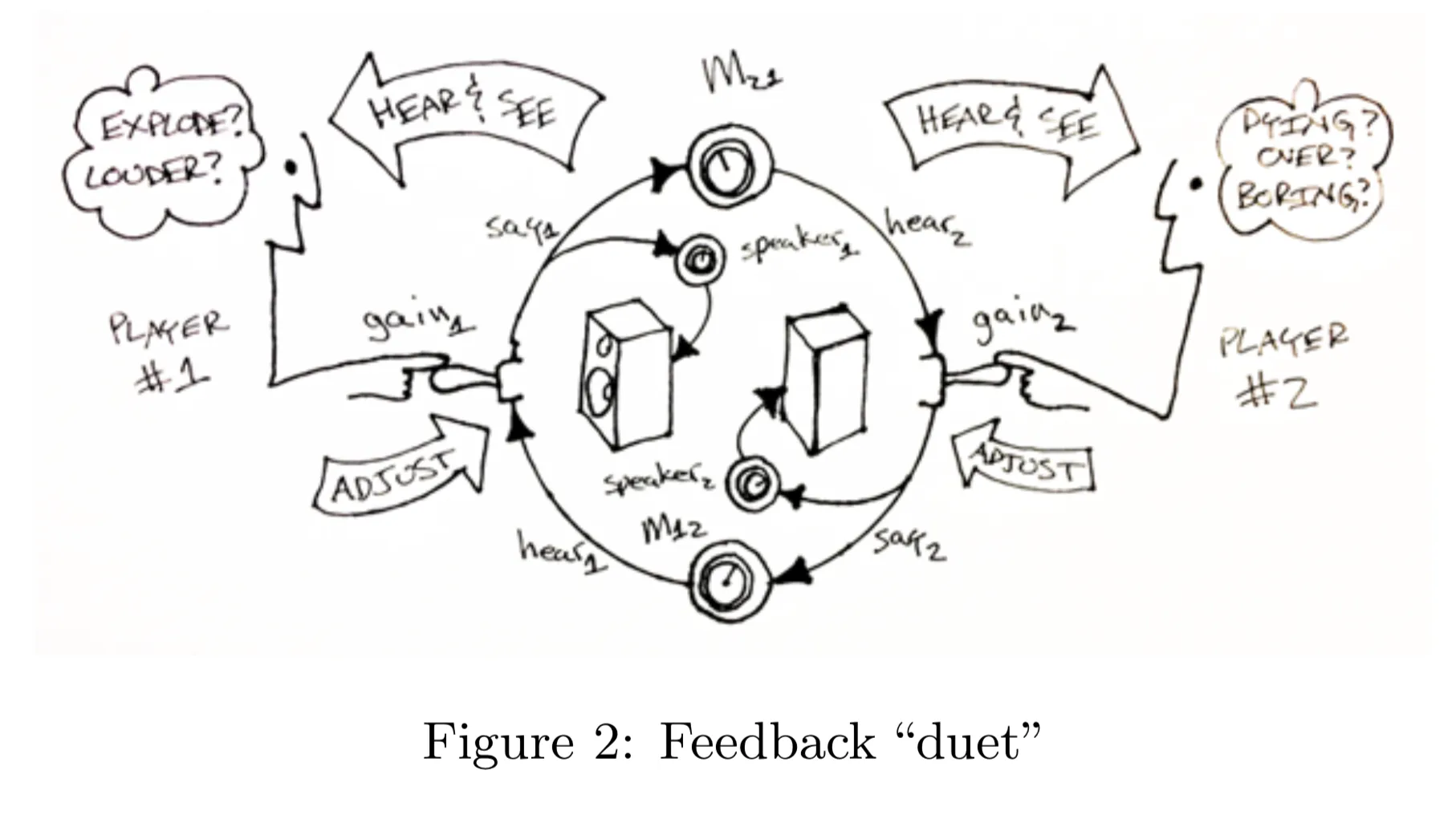

Interfaces for one are fun, but what about collaborating with interface data on a network (of some kind).
Collaborative interfaces require multiple musicians: just what you need for your LENS performance!
In Ensemble Feedback Instruments (Rosli et al. 2015), sound was passed around a group in a feedback network. Wild stuff.
Go do it in hardware
Make a hardware interface for your Pd patch. You can use either:
- keyboard or mouse movements in Pd
- sound input using
fiddle~andbonk~ - webcam tracking in processing + OSC
We will return to these topics in more depth!
- Live coding
- Hardware interfaces with the microbit
- Machine learning and AI in computer music interfaces