Lab 1
The purpose of this lab is to familiarize yourself with the Java graphics class as well as the Swing UI.
Source files for this lab can be found here.
To get started you will need to…
- Fork the gitlab repo (you will need to do this in order to submit your work).
- Then git clone it onto your machine.
- When you are ready commit and push in order to submit.
See the Lecture on Week 2 for a demo of this procedure. Your solution must be submitted before Friday 5 pm at the end of Week 3.
If you get stuck, ask your lab tutor, try the Piazza forums, or drop into our Q&A sessions on Tuesday at 1 pm.
Good luck!
Task 1 - Hello World
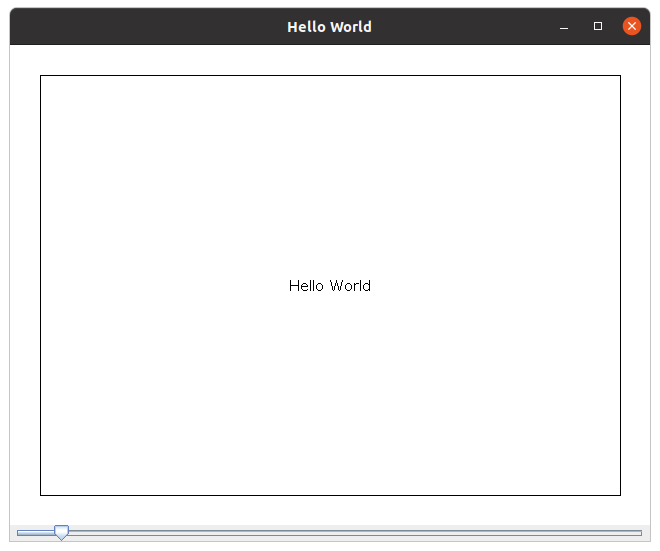
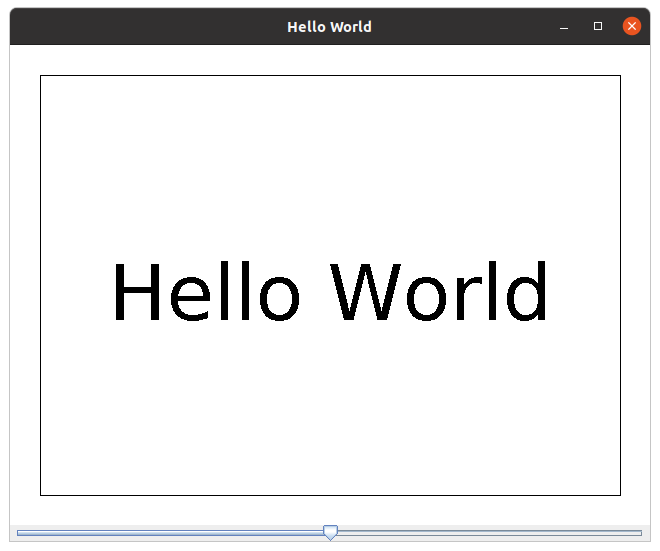
HelloWorld is a simple swing application that has a slider widget at the bottom of the application. As you shift the slider, a line is drawn in the panel with the corresponding length. It also has a border drawn (this resizes based on the panel size).
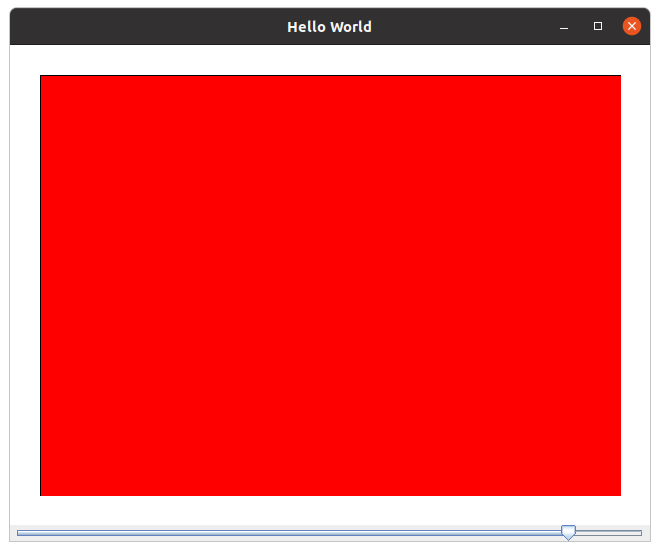
Modify this application such that “Hello World” is drawn in the centre of the panel (instead of the line) while still including the rectangle inset by 30 pixels from the border. The slider must also set the font size of the “Hello World” text, from a font size of 10 to 150. If the “Hello World” does not fit inside the inset rectangle, fill the image inside the rectangle with a red colour and don’t draw the text.
Task 2 - Concentric Rectangles
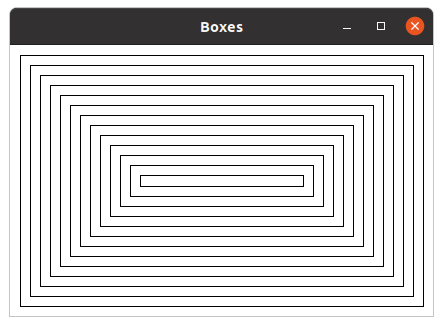
Boxes is another simple swing template. This time we are going to modify the application such that a number of concentric rectangles are drawn. The largest of these squares should be centred within the panel with a border of 10 pixels from the window edge. No rectangle should be drawn if the panel is less than 20 pixels wide or high. A series of other concentric rectangles are then drawn with a border of 10 pixels between each rectangle. Draw as many as will fit. Have the line thickness of 1 pixel. Your application should adapt to any (reasonable) window size, even non-square ones.
Bonus: (not marked) Add a slider that modifies the gap between rectangles.
Task 3 - Bresenham’s Line Algorithm
Your task is to use Line as a starting point to develop a line drawing solution based on Bresenham’s algorithm. When you run the application, you will see a picture of a snowman on the first tab. This is drawn by the standard Java line drawing method. There is a empty picture in the middle tab (this is what your code draws). The aim is to have these two images identical.
The right tab shows the difference between the two drawings. The difference is marked with blue pixels. In addition, the program will output the number of different pixels (which ideally should be 0) and the time taken for each approach (standard and yours) on a fixed set of lines.
Concretely, your objective is to implement the studentDrawLine method using your implementation of Bresenham’s Line Algorithm such that the snowman is correctly drawn. The expectation is that there are no mismatched blue pixels. To gain full marks, you will need to match the Java graphics implementation exactly, which is quite tricky (but achievable). However, there is an (arguably) easier solution that matches almost all the pixels (the error will be around 800-900 pixels) with the pictures being nearly indistinguishable, and we will not penalize harshly for this solution.
Hint: To do this, you will need to consider multiple cases (depending on the orientation of the line). Good luck!
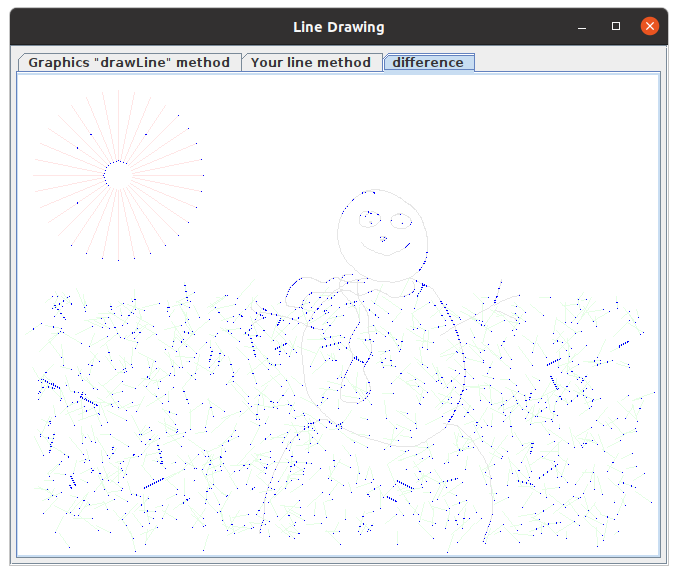
An example of an almost correct but not quite right solution. This example has 1,808 errors. It is possible to match exactly.
Bonus
Some labs will include bonus tasks. These are completely optional, are not marked, and often contain advanced concepts we have yet to cover.
If you would like to have a go at them and show your tutor, that’d be great. If we like it, it may even make its way into next week’s lecture :)
This lab’s ‘bonus task’ is to make something cool using only the basic graphics class (no OpenGL, no Graphics2D). For inspiration, I have created a starfield using g.drawLine. Feel free to play around with this and modify it as you like or create something of your own from scratch.
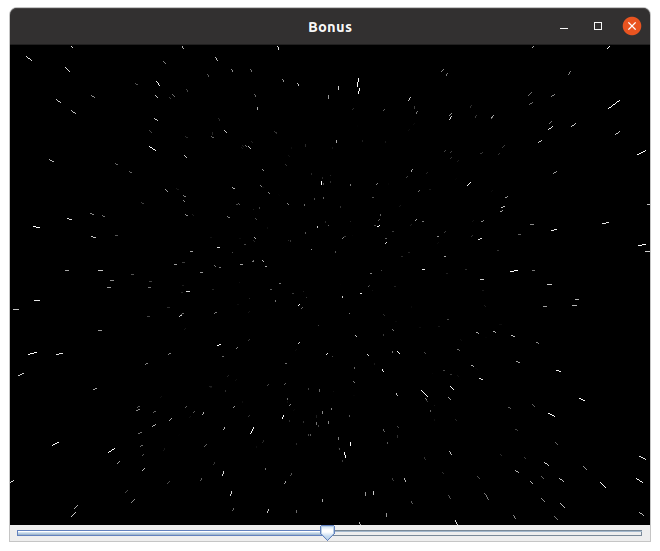
A starfield simulator. The slider controls how fast we travel. Stars are elongated based on velocity to create a 'wrap speed' effect.